About and press
One place for everything you make.
Jefield is a creative workspace made by Moc Mallen Studio in New York and Seoul.
In one paragraph
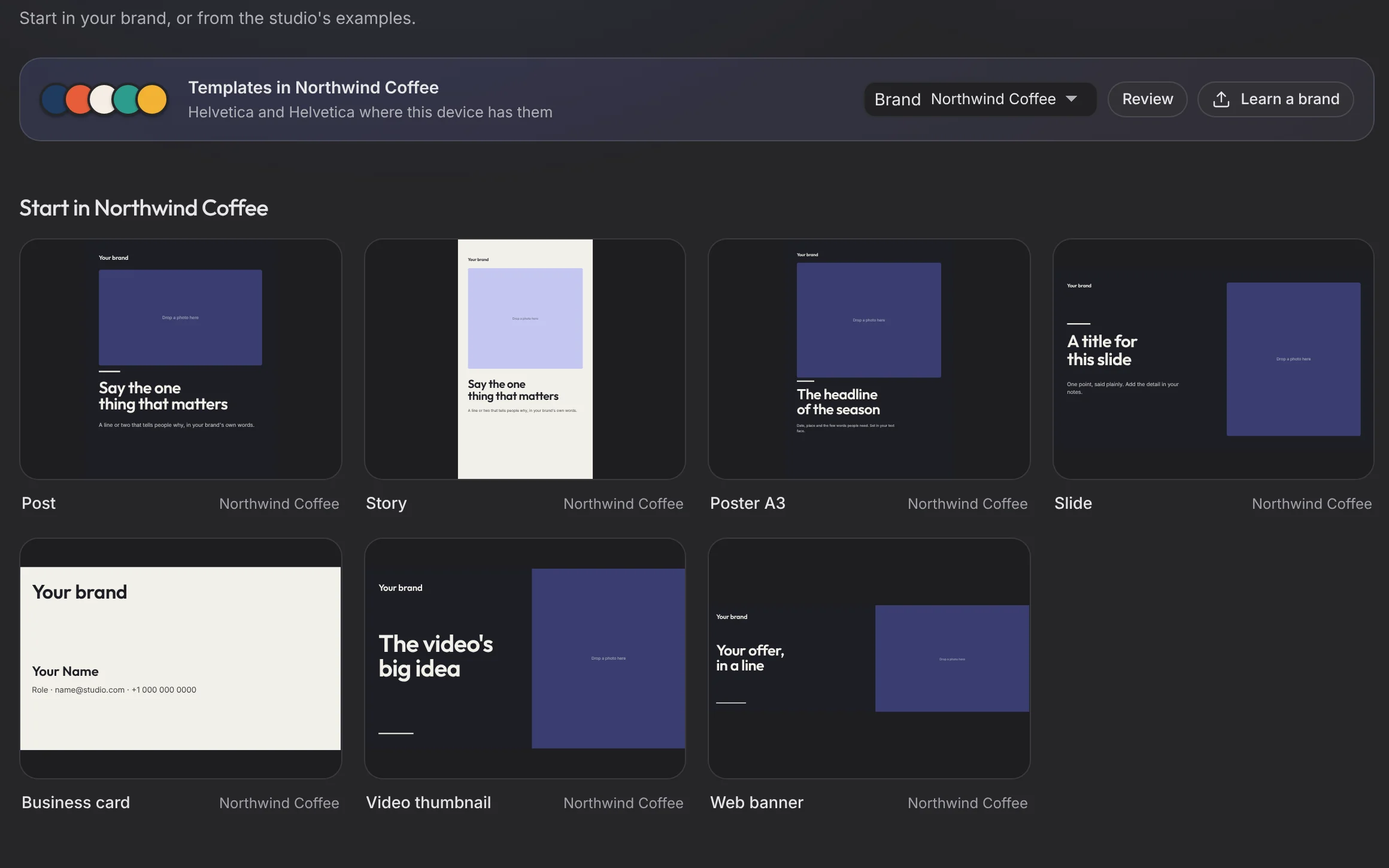
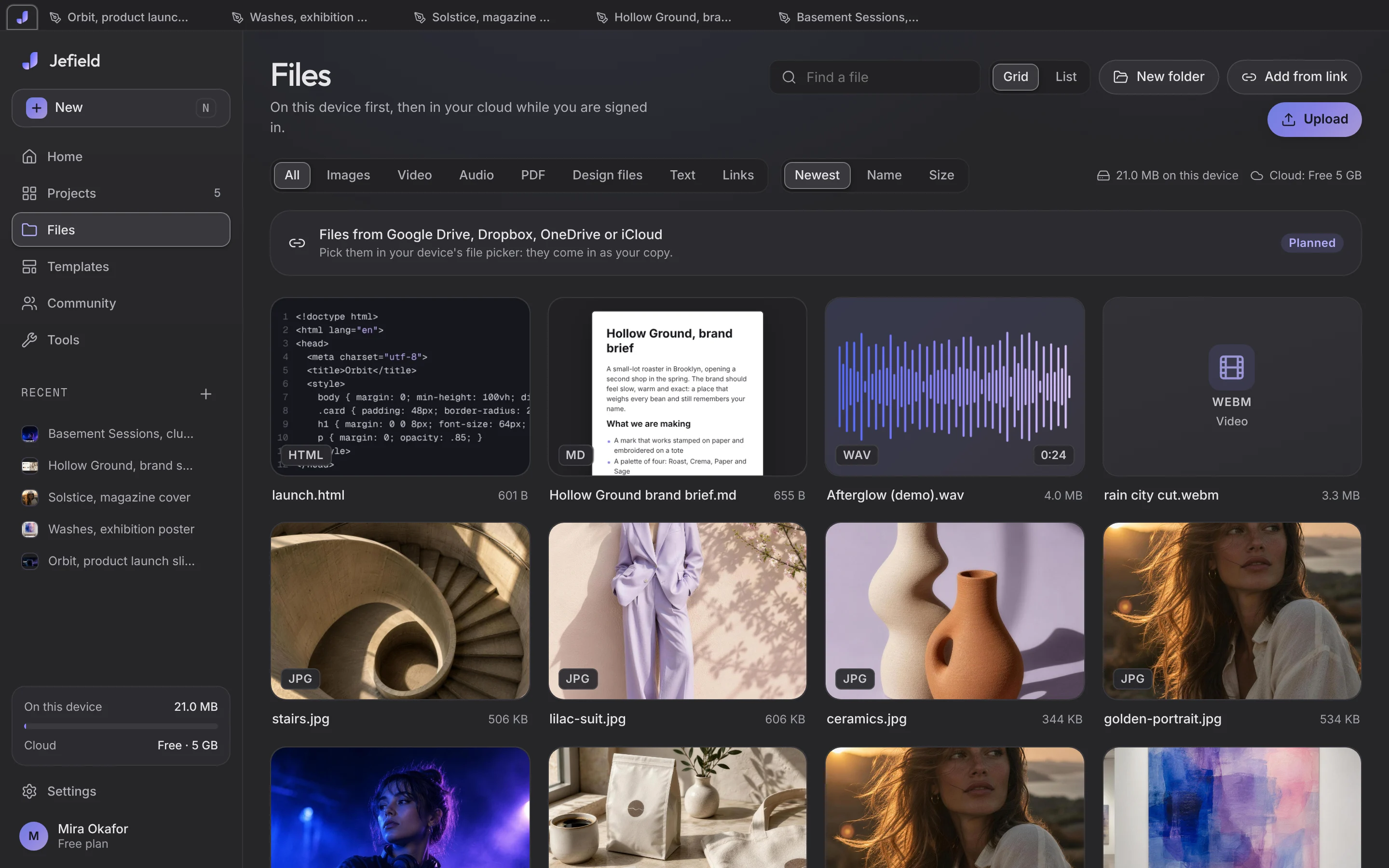
Jefield is a creative workspace for designers, artists, musicians and the people who work with them. Design, photo, layers, video, motion, sound, documents, PDF and code live in one app, in the browser and on Windows, Mac, Android and iPhone, so one picture moves through every tool and every save is a new version, never an overwrite. It opens the files people already have (PSD, Figma, Illustrator, Premiere and more), starts from fifty-three studio-made templates and smart mockups, reads a brand's guidelines into colours and type styles, and lets people work on a project together, live. Work stays on the person's device first and is sealed with its own key before it syncs. Jefield is free.
The facts
- Made by
- Moc Mallen Studio, New York and Seoul
- Price
- Free; no paid plan is for sale
- Runs on
- The web, Windows, Mac, Android, and iPhone from the Home Screen
- Editors
- Design, Photo, Layers, Video, Motion, Sound, Documents, PDF, Code
- Templates
- Fifty-three, made in the studio
- Fonts
- 2,000 families, and your own
- Privacy
- No tracking, no ads, never trained on your work
- Language
- English; Korean is coming
Screenshots
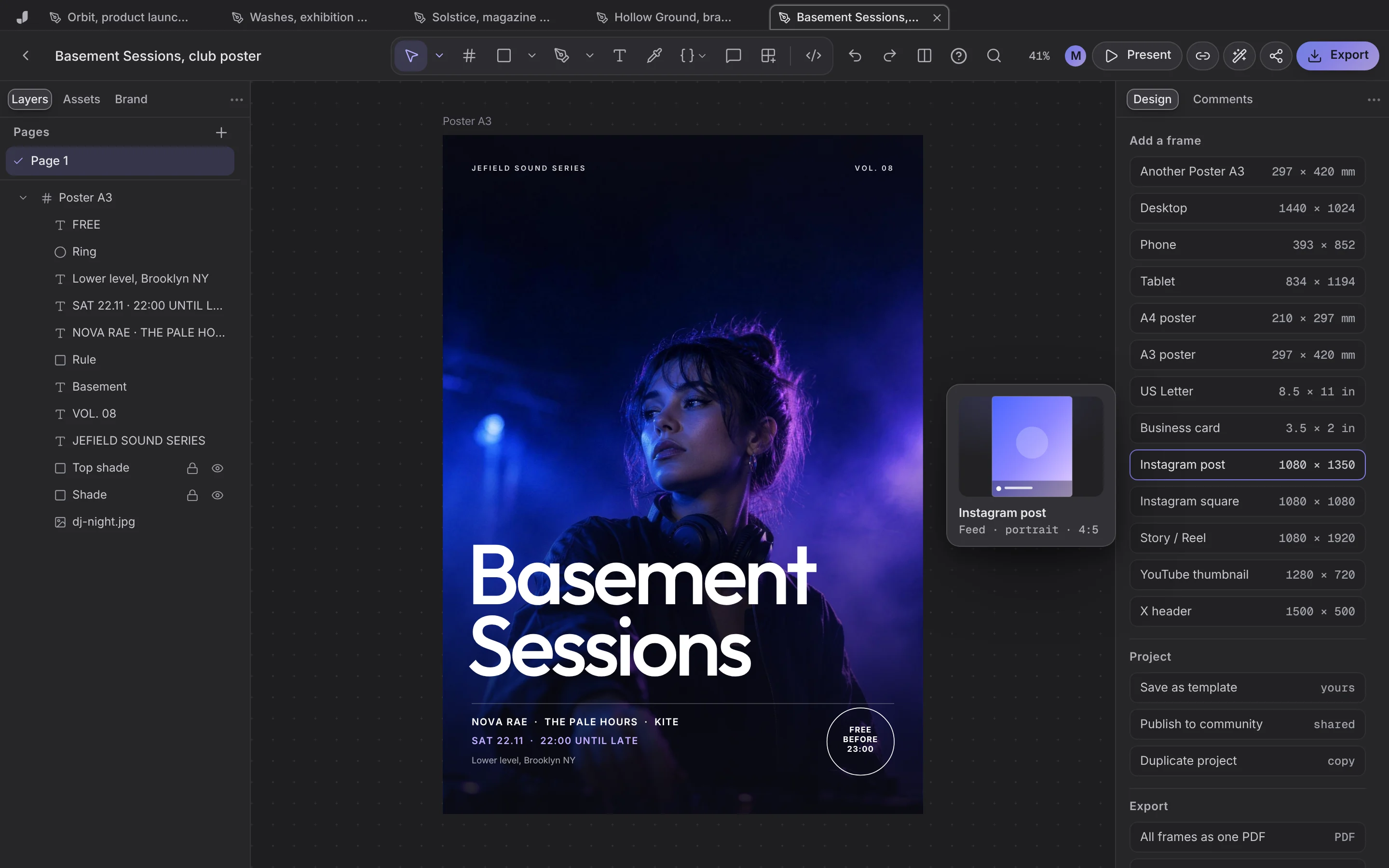
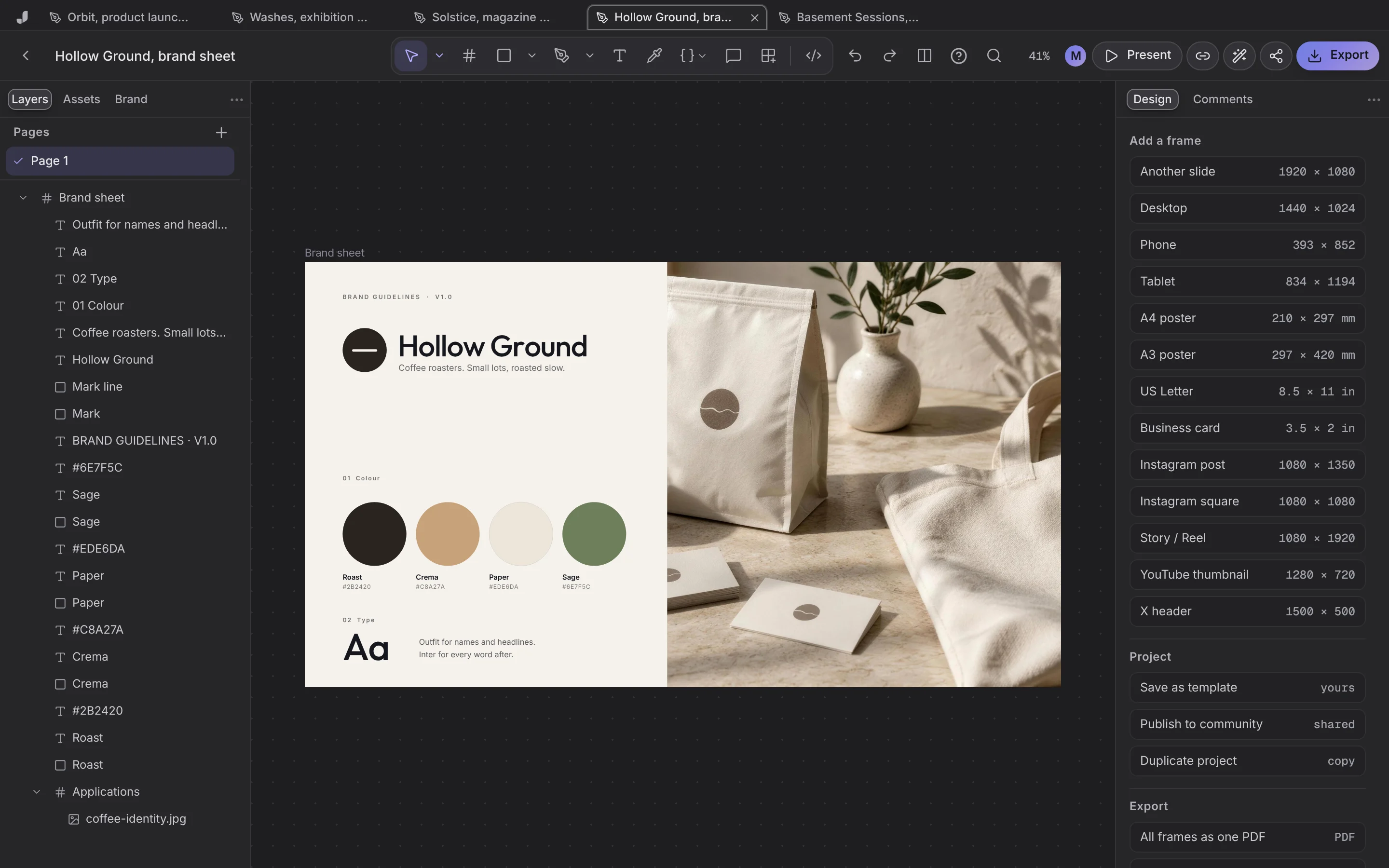
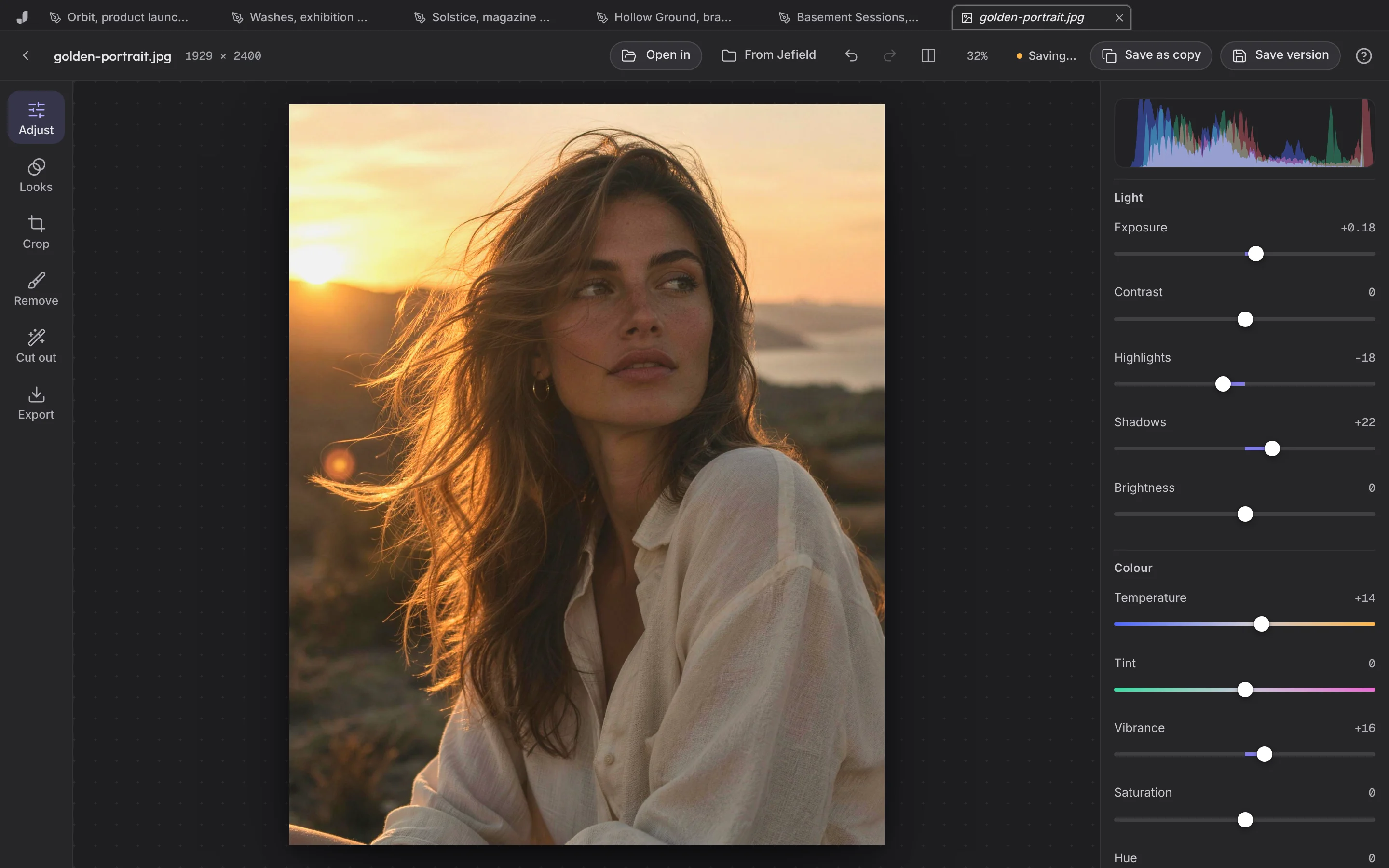
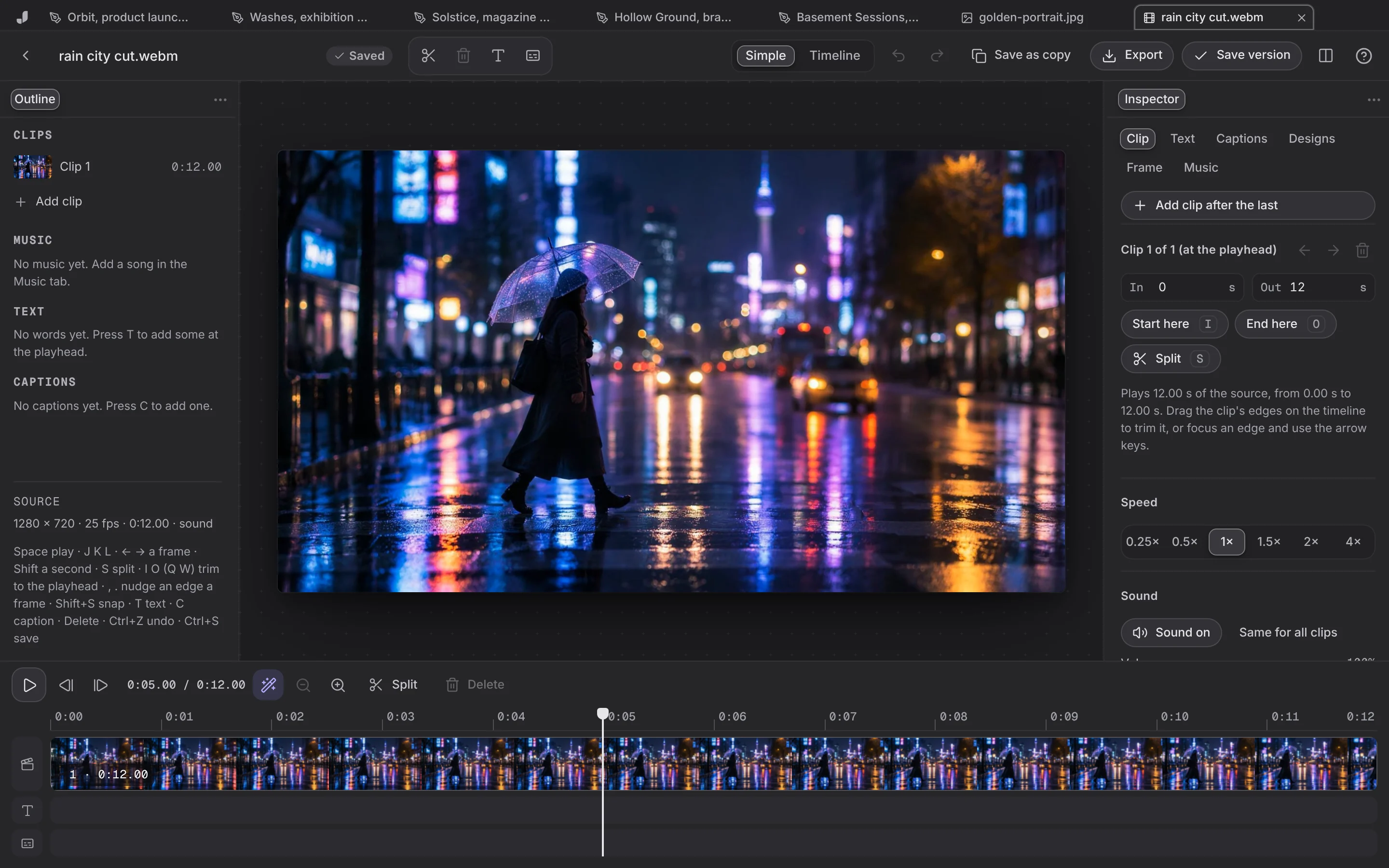
Taken from the app itself by a script that opens the real editors on real files (scripts/scenes.mjs). The people in the photographs are made with AI image tools; the app is the app.
Logo and colours
The J in its two forms, the lockups and the app icon, as SVG. Please use the files as they are.
Questions, answered
Who do I talk to for press or partnerships?
Write to us on the contact page, with Press as the subject. A person answers.
Can I use these screenshots?
Yes, to write about Jefield, as they are. Please don't edit the app's screens to show things it doesn't do.
Creative workspace
See it for yourself.
Your words open Jefield and wait there for you to keep. Making things from a prompt with AI is coming next.