Guide · 2 minutes
Make a template of your own
Turn any project into a starting point for the next one.
- Open a project you'd like to start from again.
- With nothing selected, choose Save as template in the panel on the right.
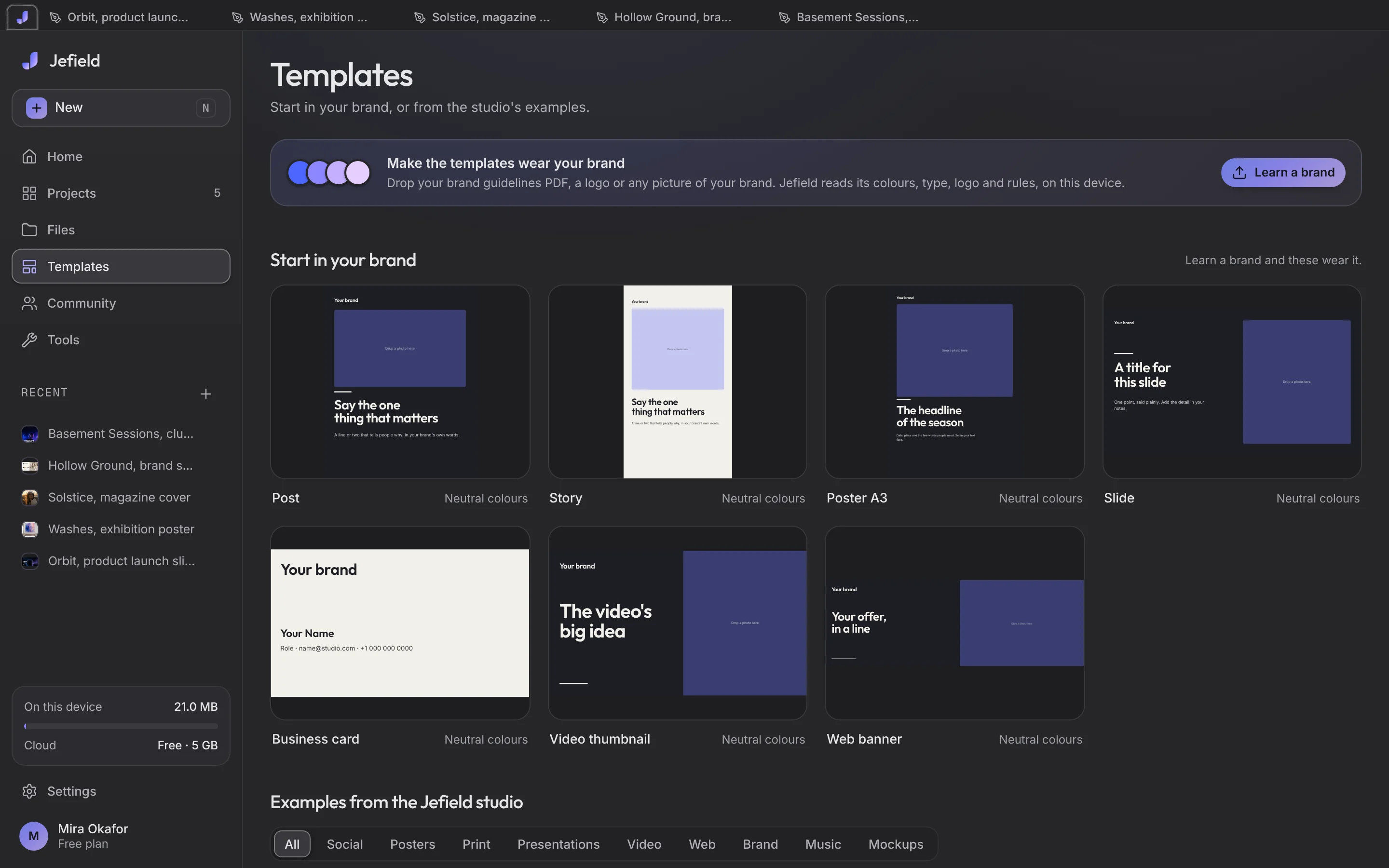
- Find it in Templates, under Your templates. Choosing it makes a new project from it; the template stays as it was.
Your templates are yours on every device you sign in on. To share one with everyone, choose Publish to community in the same panel: a name, a sentence, public or by link only, and photographs only if you tick them.