Guide · 3 minutes
Keep every version
Change something and keep the original. Every version is listed, and going back is one press.
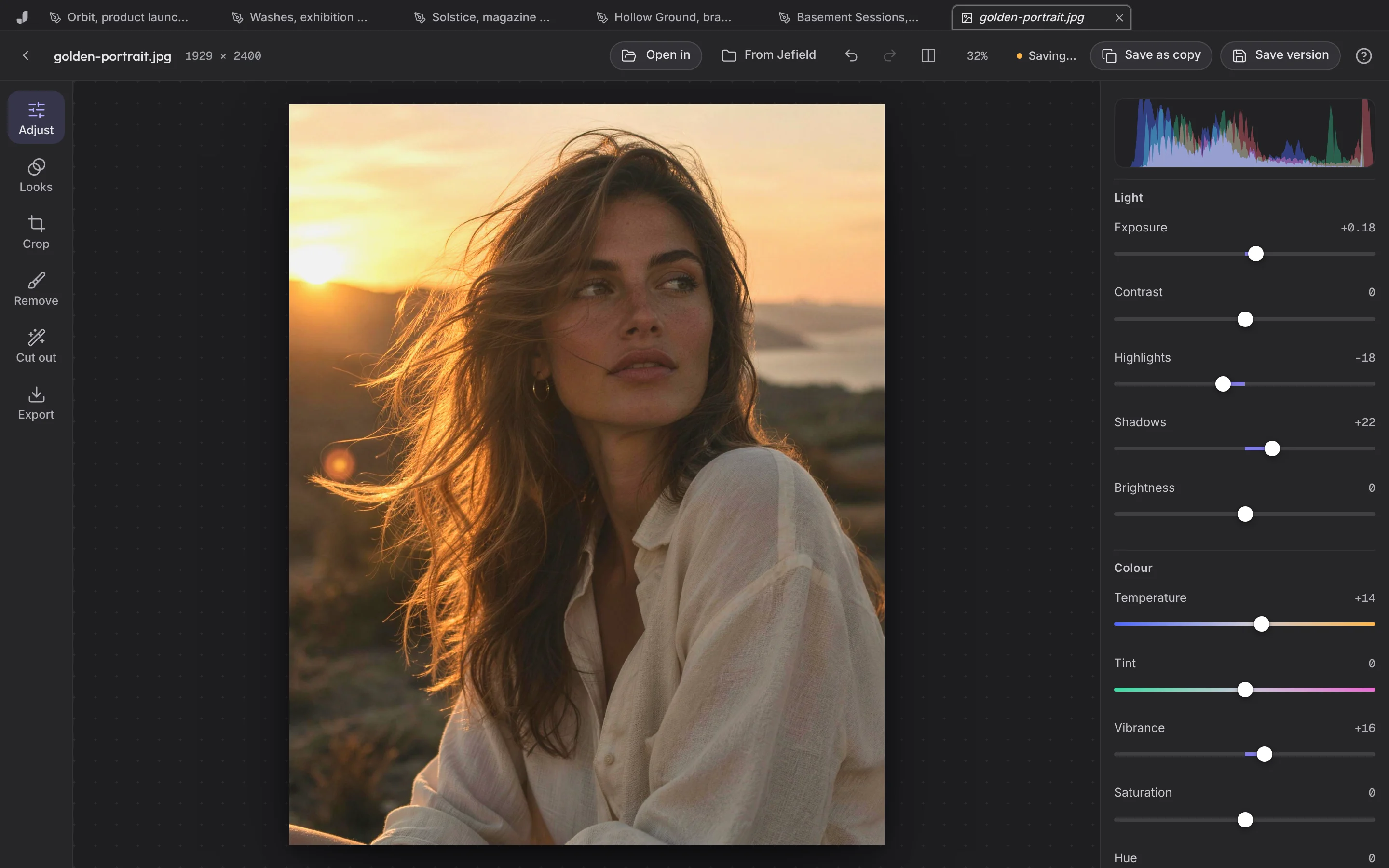
- Open a file from Files.
- Change it in its editor: grade a photo, trim a sound, edit a document.
- Save (Ctrl or Cmd+S). You now have version 2. Version 1 is untouched.
- Open its Versions from the file's card in Files: each version says what made it and when.
- Go back to an earlier one. That makes a new version too, so nothing is ever lost. Or download any version as a file.
Save as copy, in any editor, makes a new file instead, which remembers the one it was made from.