AI in Jefield
AI that stays on your side.
Today, the AI in Jefield runs on your own device and never sees the internet with your pictures. Next: making and changing things in words, with agents that ask before they touch your work.
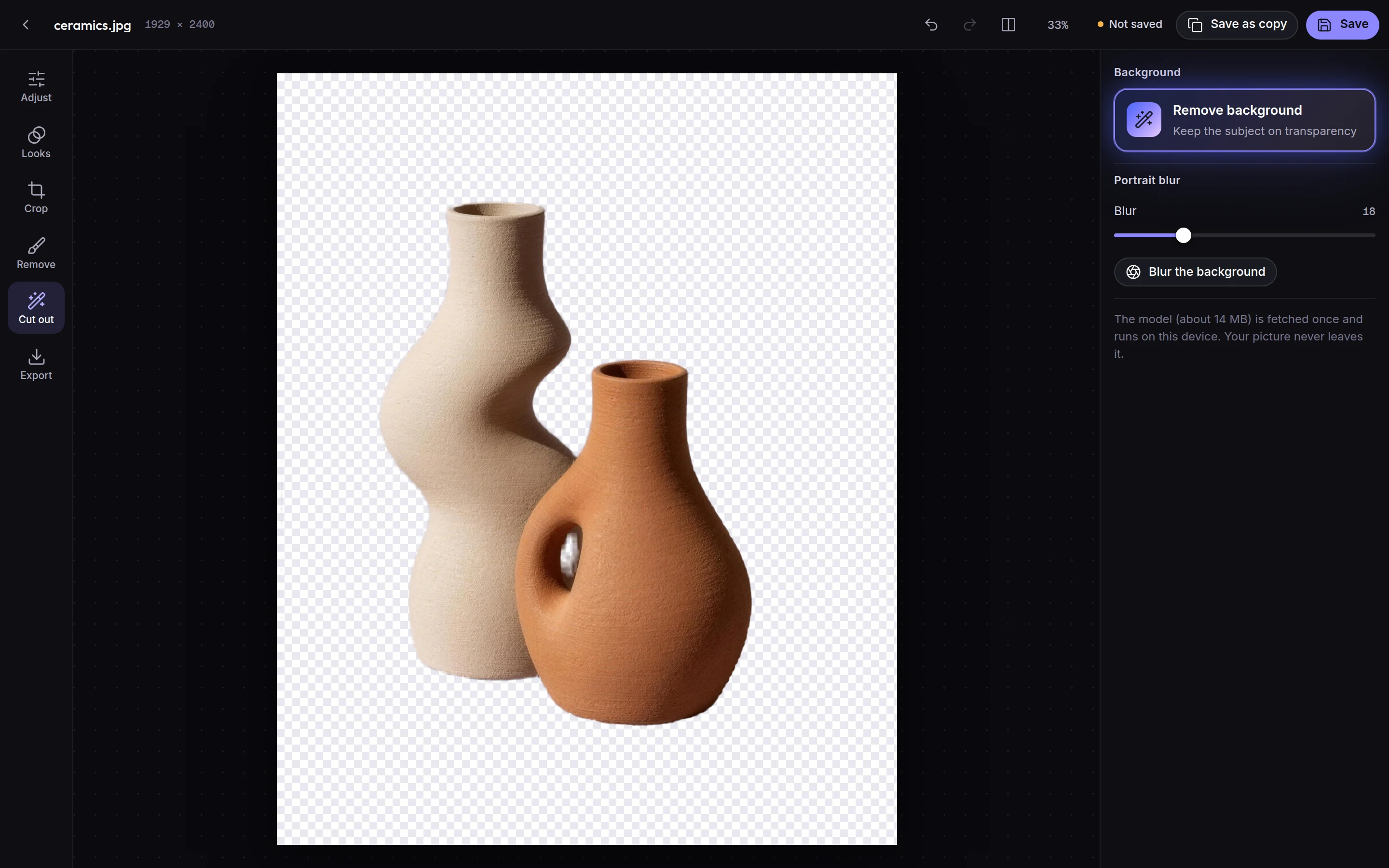
Live today, on your device
Remove background
The subject kept on transparency, outlined by a model that runs in your browser.
Remove anything
Paint over a wire, a person or a mark; the gap is filled from what's around it.
Portrait blur
The subject kept sharp, the background softened.
Clean up a voice
Rumble, room noise and gaps brought down, previewed before you apply it.
Coming next
Talk to Jefield
Ask for a poster, a resize, three versions. What comes back is a new version you can undo.
Agents that ask first
An agent says what it will change, waits for yes, and every change carries its name.
A model on your computer
A free open model that runs on your own machine, so making things costs nothing.
The rules our AI will keep
Written into how Jefield works, not into a policy page.
Say what changed
One sentence, with the result beside it.
Offer, don't take
Your work only changes when you say so.
Keep the story
Every change is a new version you can go back from.
Always labelled
An agent is never shown as a person.
Questions, answered
Does Jefield send my work to an AI?
No. The AI tools that are live today run on your device, and nothing is sent anywhere. If you connect an AI app yourself, the program on your computer gives it what it asks for, and nothing more.
Will AI in the app cost money?
Some of it may run on your own computer at no cost. Bigger models would be part of Pro, and the pricing page will say so first.
Creative workspace
Make something today.
Your words open Jefield and wait there for you to keep. Making things from a prompt with AI is coming next.