Use case
Collect it. Lay it out. See the direction.
Photographs from your camera roll, scans and old work, on one canvas, cut out and graded where they sit.
Your words open Jefield and wait there for you to keep. Making things from a prompt with AI is coming next.
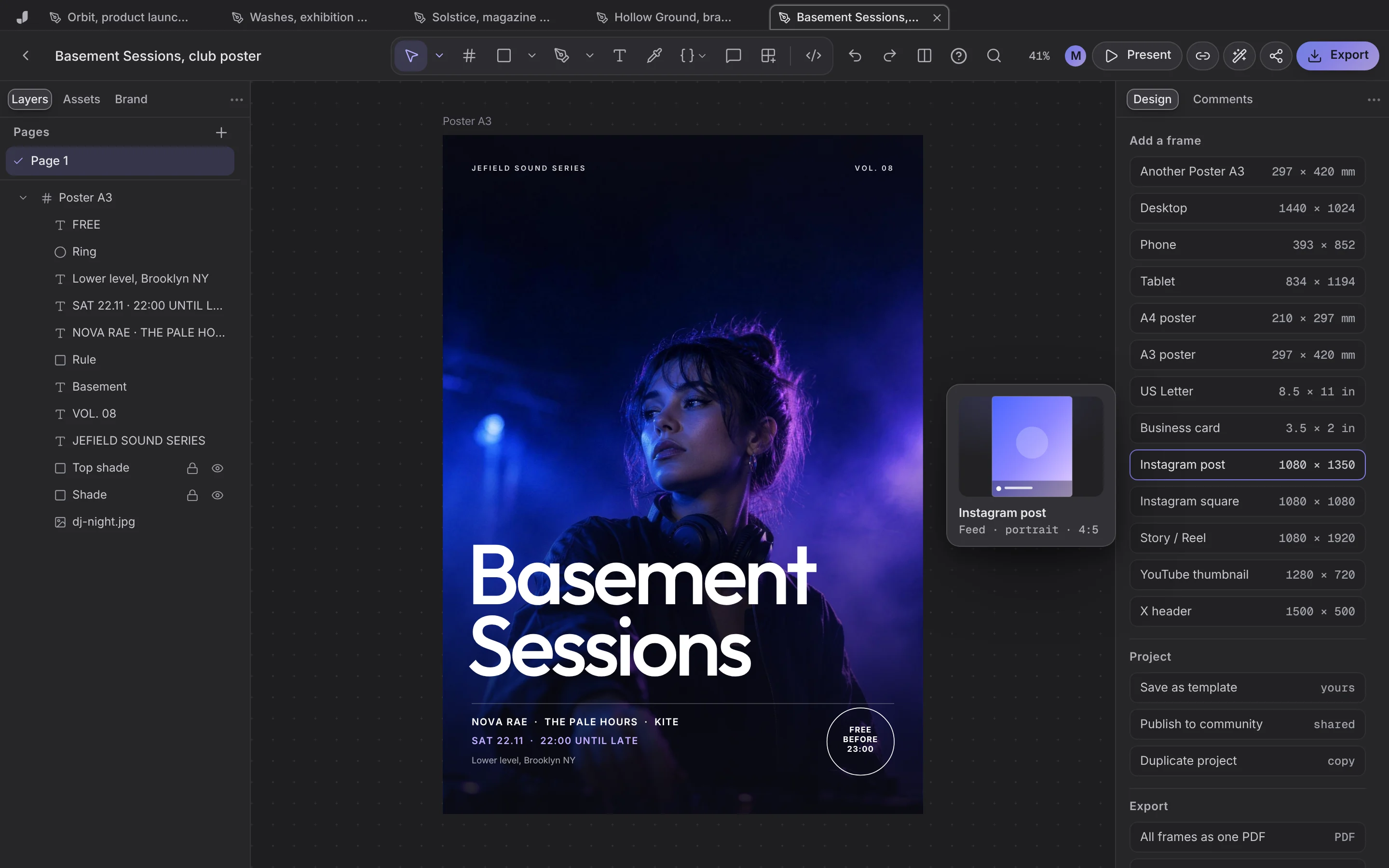
A moodboard in three moves
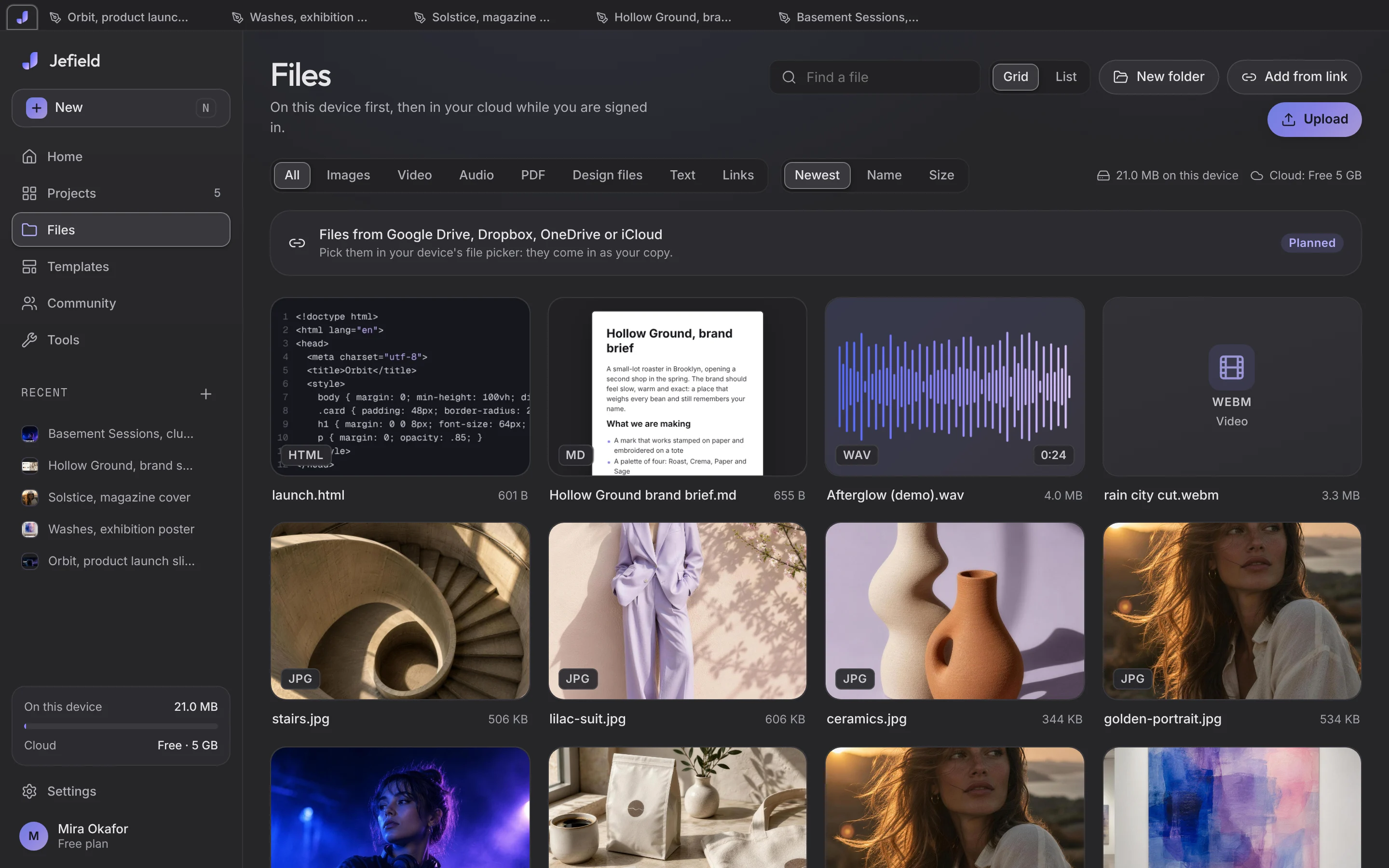
Drop everything in
Pictures land in Files, kept as they came, each stored once.
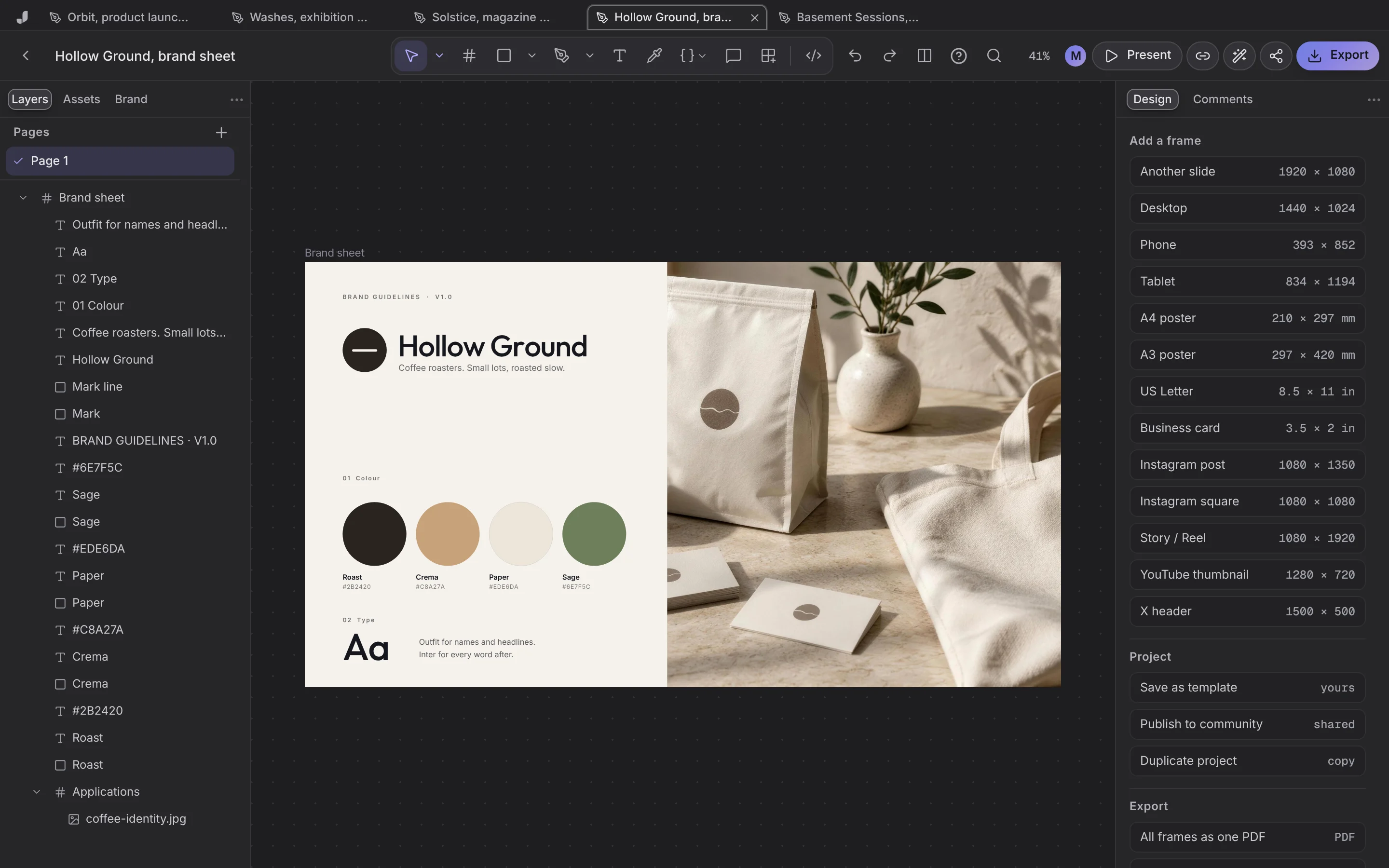
Lay it out
Place pictures on a canvas, frame them, add words.
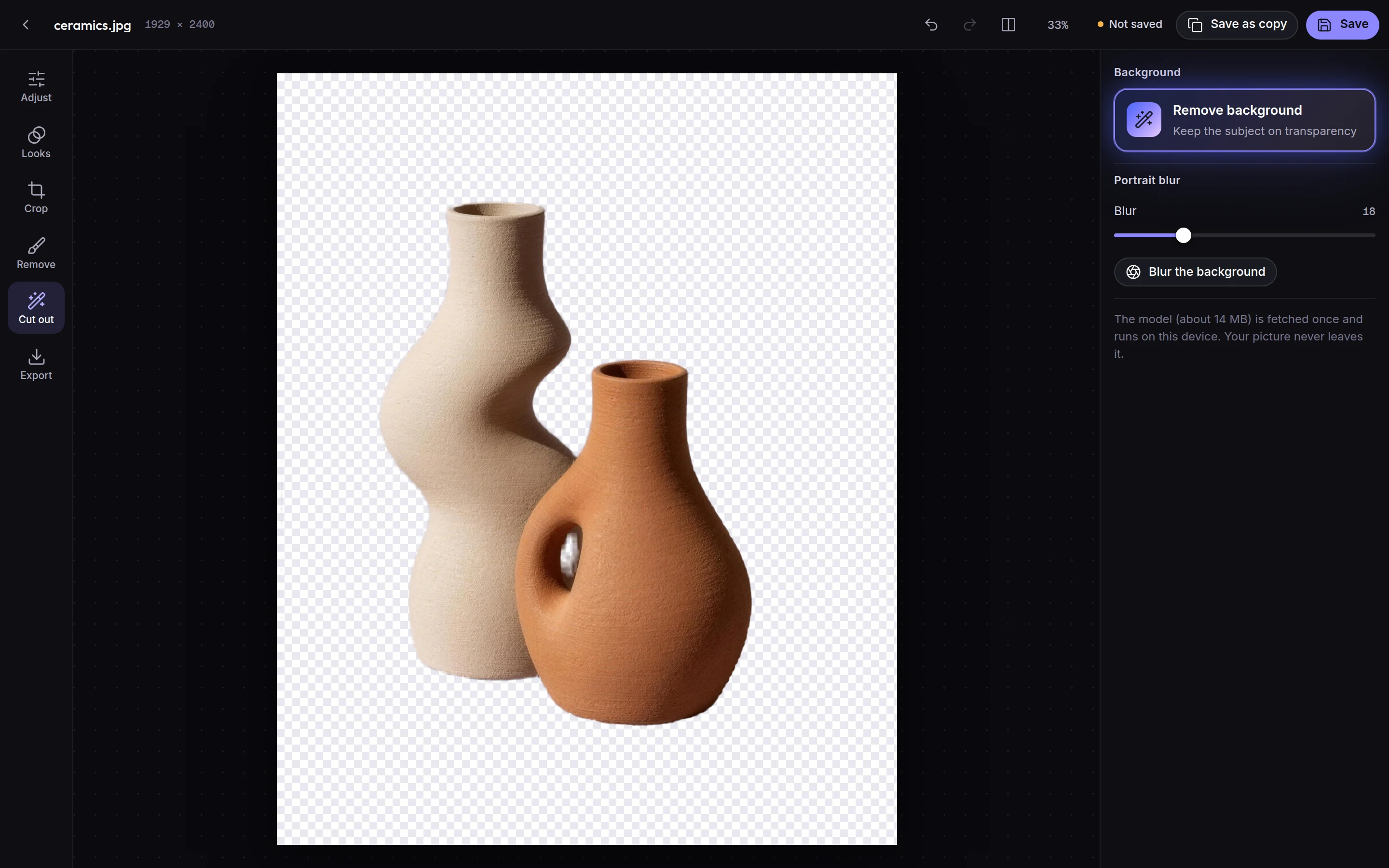
Cut out and grade
Remove a background or warm a picture up, on your device.
Why it works better here
Cut out on device
Backgrounds removed without uploading anything.
Graded in place
Twelve looks and every slider you'd expect.
Versions
The board's earlier directions are kept.
Export
PNG, SVG or PDF.
Start from a template
Studio-made, in the app. Use one and it's your own project.


Questions, answered
Can I add pictures from my phone?
Yes. Add Jefield to your Home Screen, open it and add pictures from your library.
Where are my files?
On your device, in your browser's own storage. Sign in with Google and a copy sealed with your library's key is kept in the cloud, so your other devices open the same library. Read the privacy page for every detail.
Is it free?
Yes. Everything Jefield does today is free, with no card and no time limit. When a paid plan opens, the pricing page will say so before it costs anybody anything.
Creative workspace
What's the mood?
Your words open Jefield and wait there for you to keep. Making things from a prompt with AI is coming next.