For designers

Design with everything in reach.

A canvas with real parts, every size you'll need, your photographs a click from the photo editor, and every version kept.

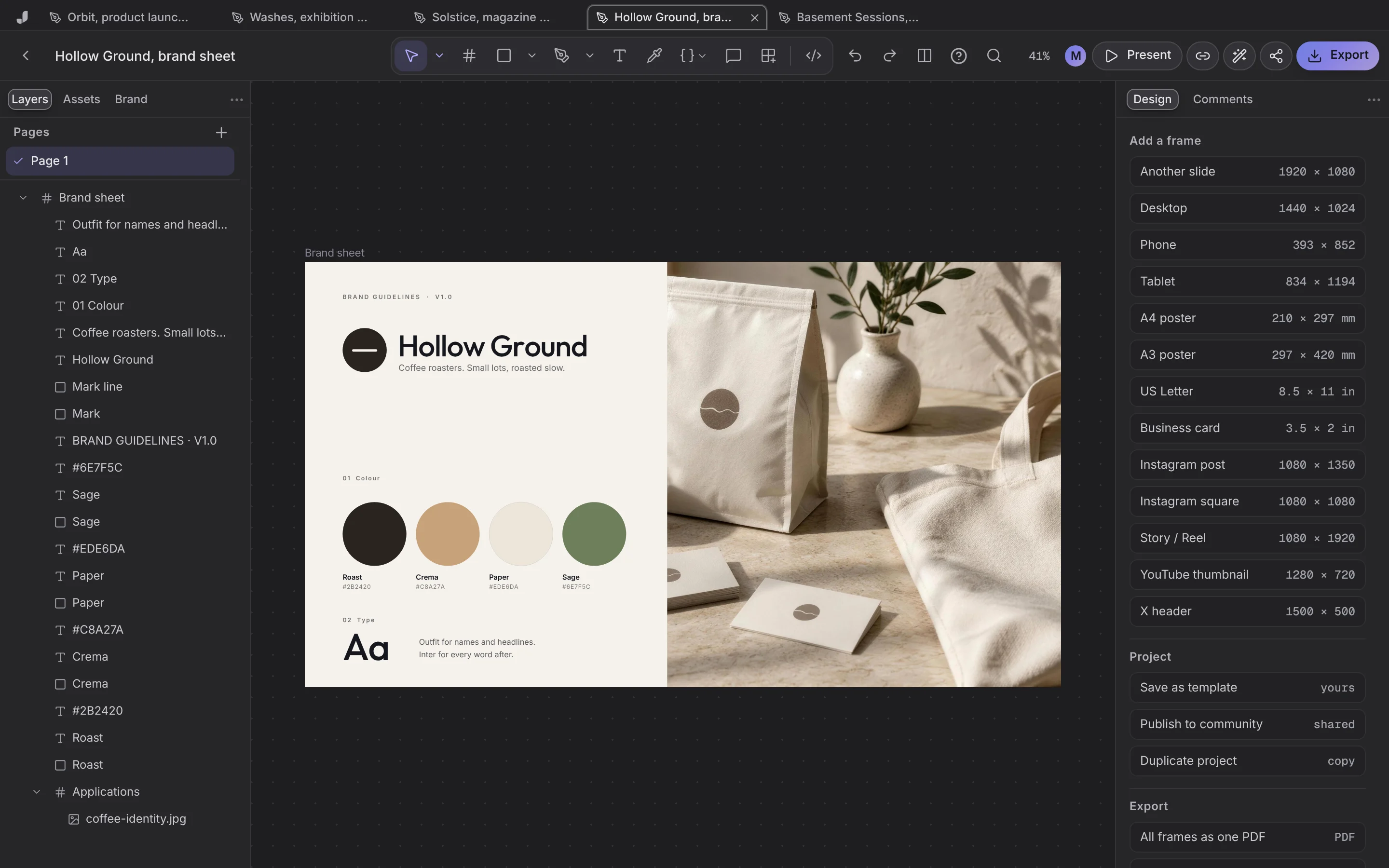
A brand sheet for a coffee roaster in Jefield's design editor.

From the first frame to the last export

The parts of the job that usually take four apps.

A canvas with real parts

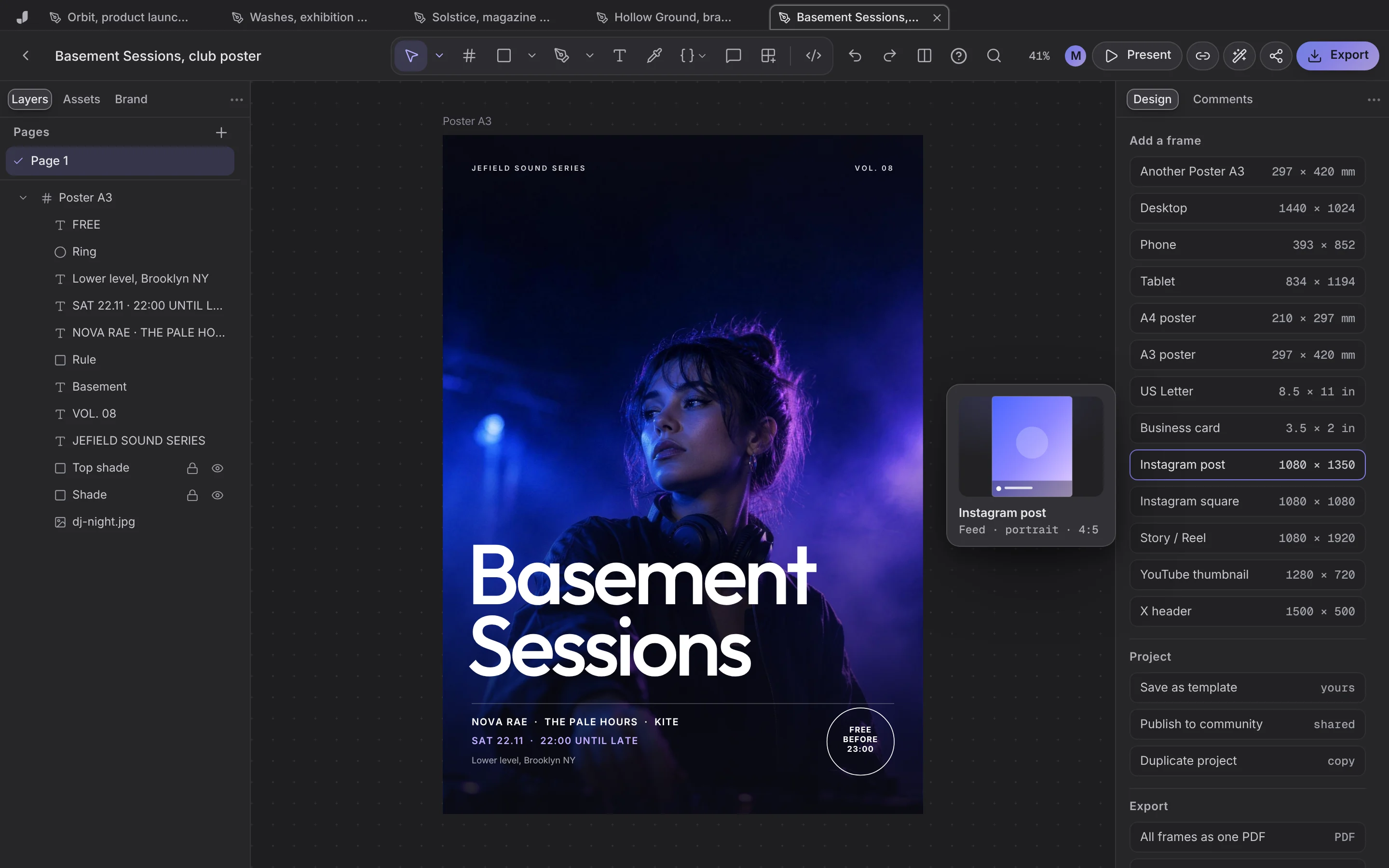
Frames, shapes, type and pictures, with layers, alignment, fills, gradients, shadows and blur. Every common size is one press away.

  • Export PNG at 1x to 3x, SVG or PDF
  • Every frame as one PDF
  • Save any project as your own template
A poster on the canvas with its layers.

The photograph, fixed in place

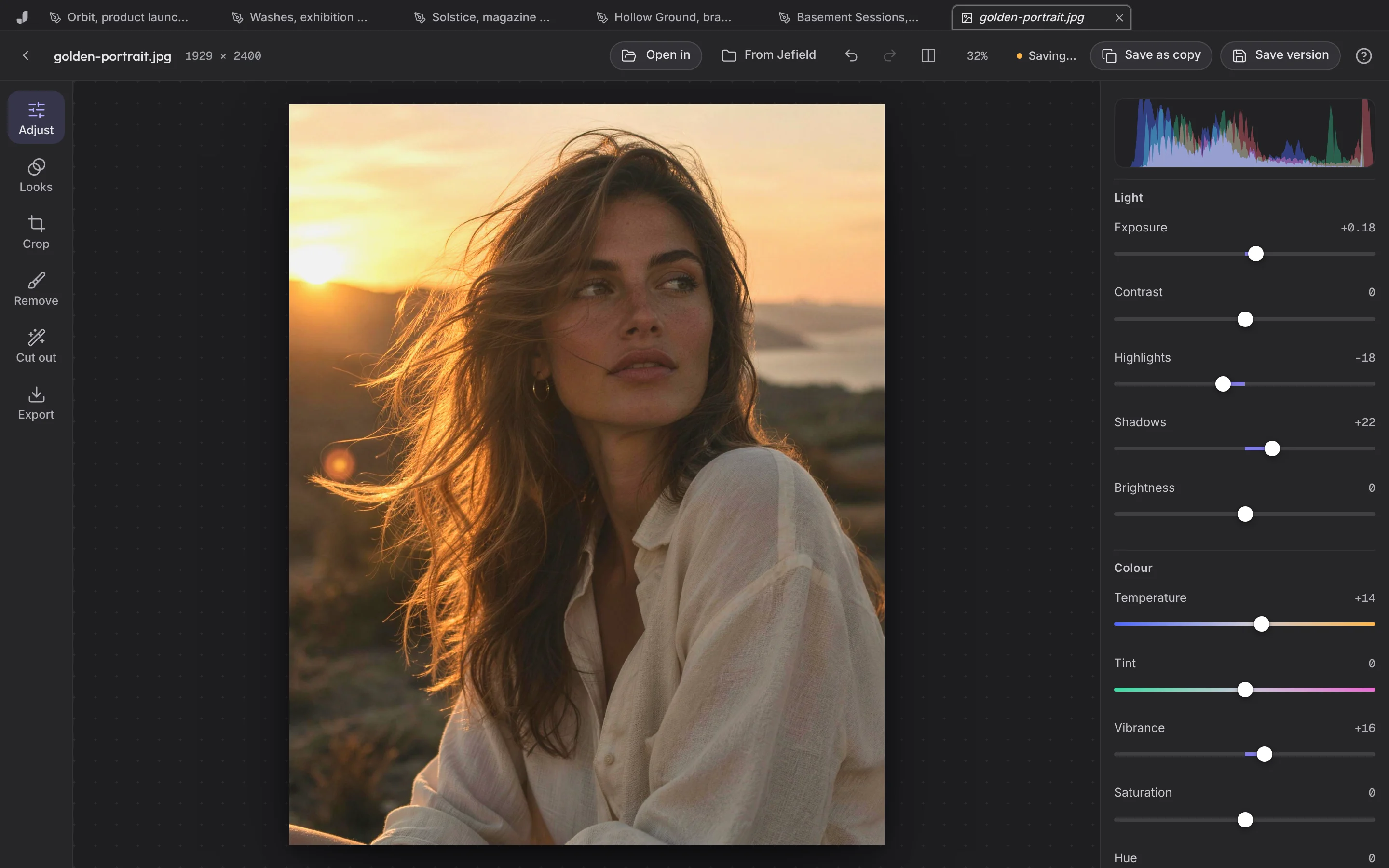
Open a picture in the photo editor: light, colour, a look, a crop. Remove what shouldn't be there, cut out the background. Save, and it's the next version.

A portrait in the photo editor with light and colour adjusted.

Start from a studio's work

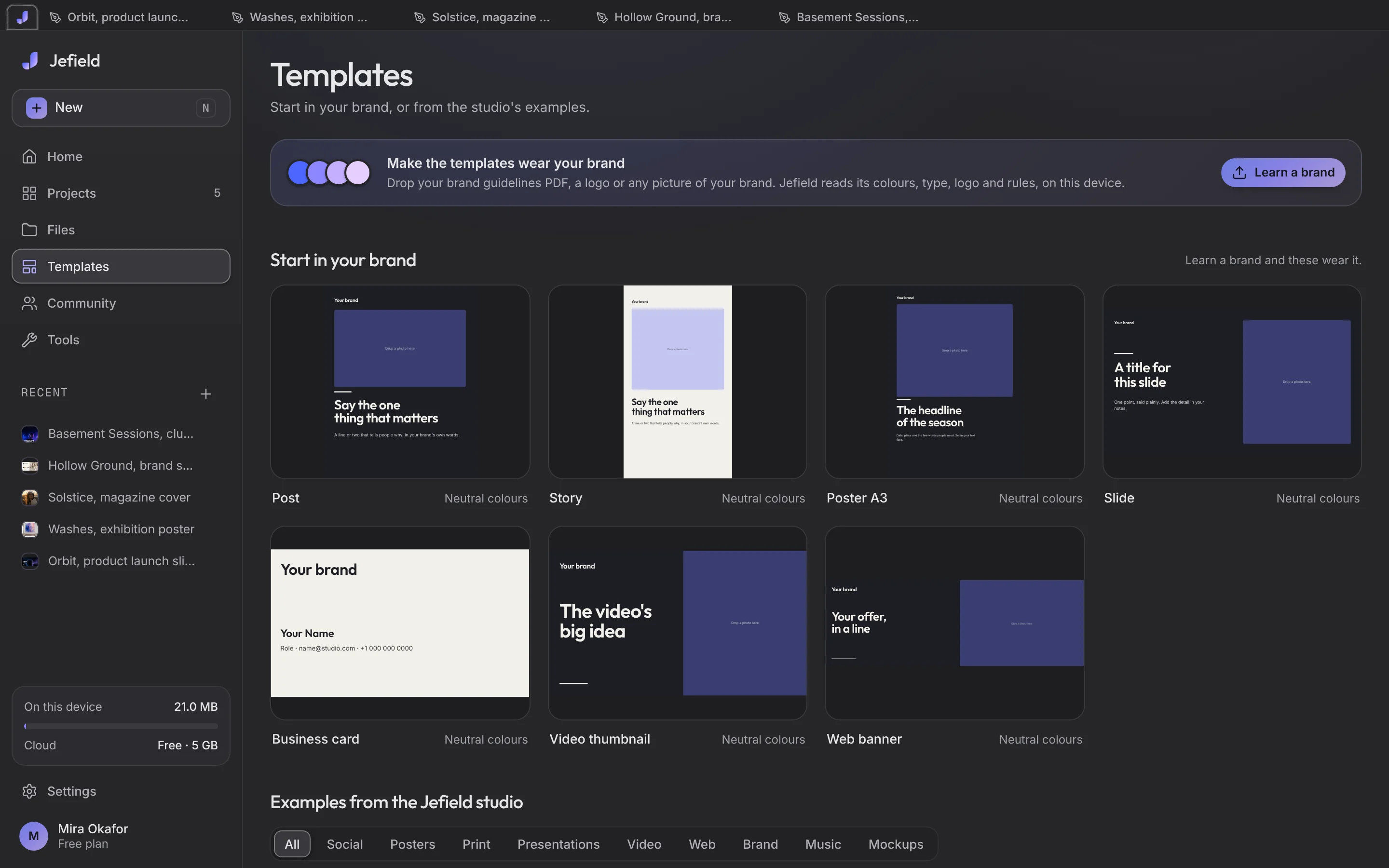
Templates made by the Jefield studio: posters, brand sheets, covers, decks and posts, with photographs you can swap.

The templates room.

Built for the way designers work

Every version

Save is never overwrite. Go back any time.

Both looks

Night or Paper, the whole app follows.

Offline

Planes, cafés, basements. It opens anyway.

Not sure where to start? Try one of these.

“A poster for Saturday's DJ set”

Try thisOpens Jefield with these words waiting.

Questions, answered

What is Jefield?

A creative workspace. Design on a canvas, edit photos, video, sound, documents and code, start from studio-made templates, and keep every version of everything. It works on your device first, and on all your devices when you sign in.

Is Jefield a Figma replacement?

For many jobs, yes: a canvas, the editors around it, every version kept, people working on one project at once, and Prototype with Smart animate. Roles per person are planned.

Which files can I bring in?

Pictures (a PSD opens in Layers with its layers), video, audio, PDFs, Word and Markdown files, and code; Illustrator, PDF and SVG drawings come onto a board as vectors, their words as text. Each file is kept exactly as it came.

What happens when I save?

You get the next version. The one before stays exactly as it was, and every file's Versions list lets you download any of them or go back to one, which makes a new version too.

Is it free?

Yes. Everything Jefield does today is free, with no card and no time limit. When a paid plan opens, the pricing page will say so before it costs anybody anything.

Creative workspace

Ready to keep the whole project in one place?

Your words open Jefield and wait there for you to keep. Making things from a prompt with AI is coming next.