Every crit, every version
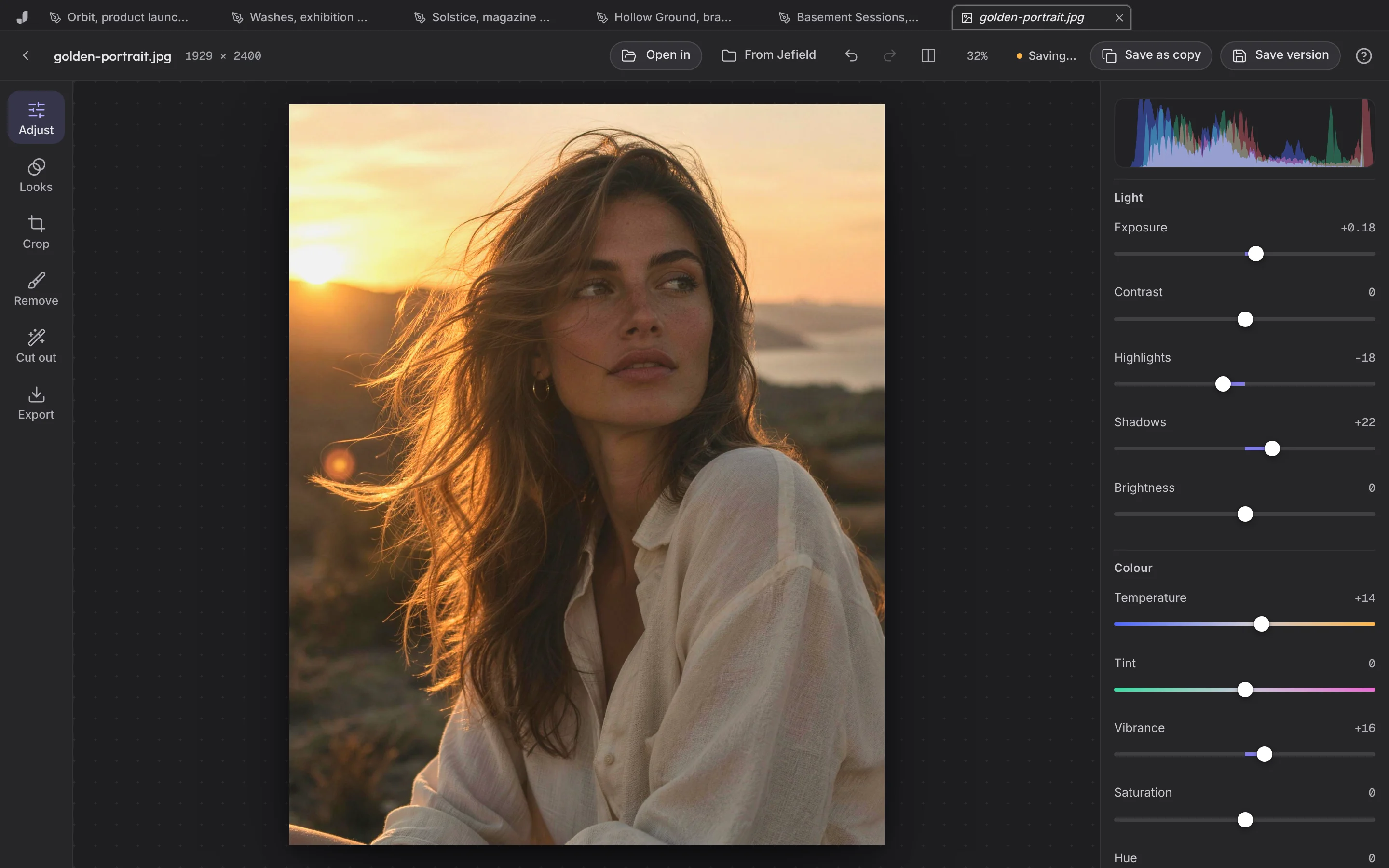
Bring the work to crit, save after it, and the version before is still there. Nothing gets overwritten the night before.
Who it's for
DesignersA canvas, a photo editor, every versionArtistsEvery work, every edit, keptMusiciansSound, covers and flyers in one placeFoundersBuild a brand you can hand to anyoneStudiosEvery editor and every file in one placeStudentsFree, with every version keptUse cases
MoodboardsCollect, lay out, see the directionBrand identityFrom brief to brand sheetPosters and socialOne idea, every formatArchive and portfolioEverything you made, kept as it wasFor students
Every brief, every crit and every version of the project, in one free place you keep after graduation.
School work is versions. Jefield keeps them all.
Bring the work to crit, save after it, and the version before is still there. Nothing gets overwritten the night before.
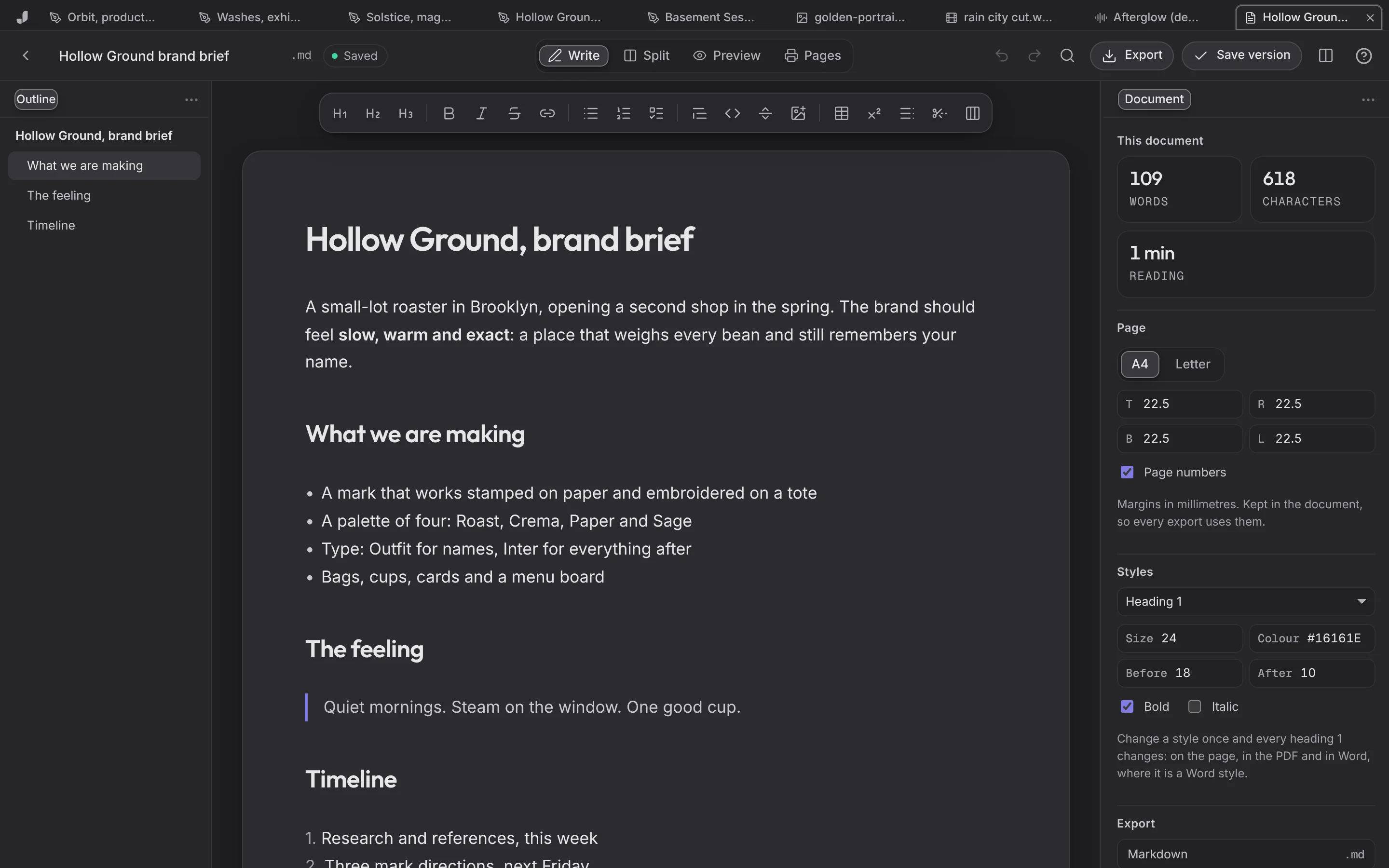
Briefs, statements and research in Markdown or Word, exported to PDF for hand-in.
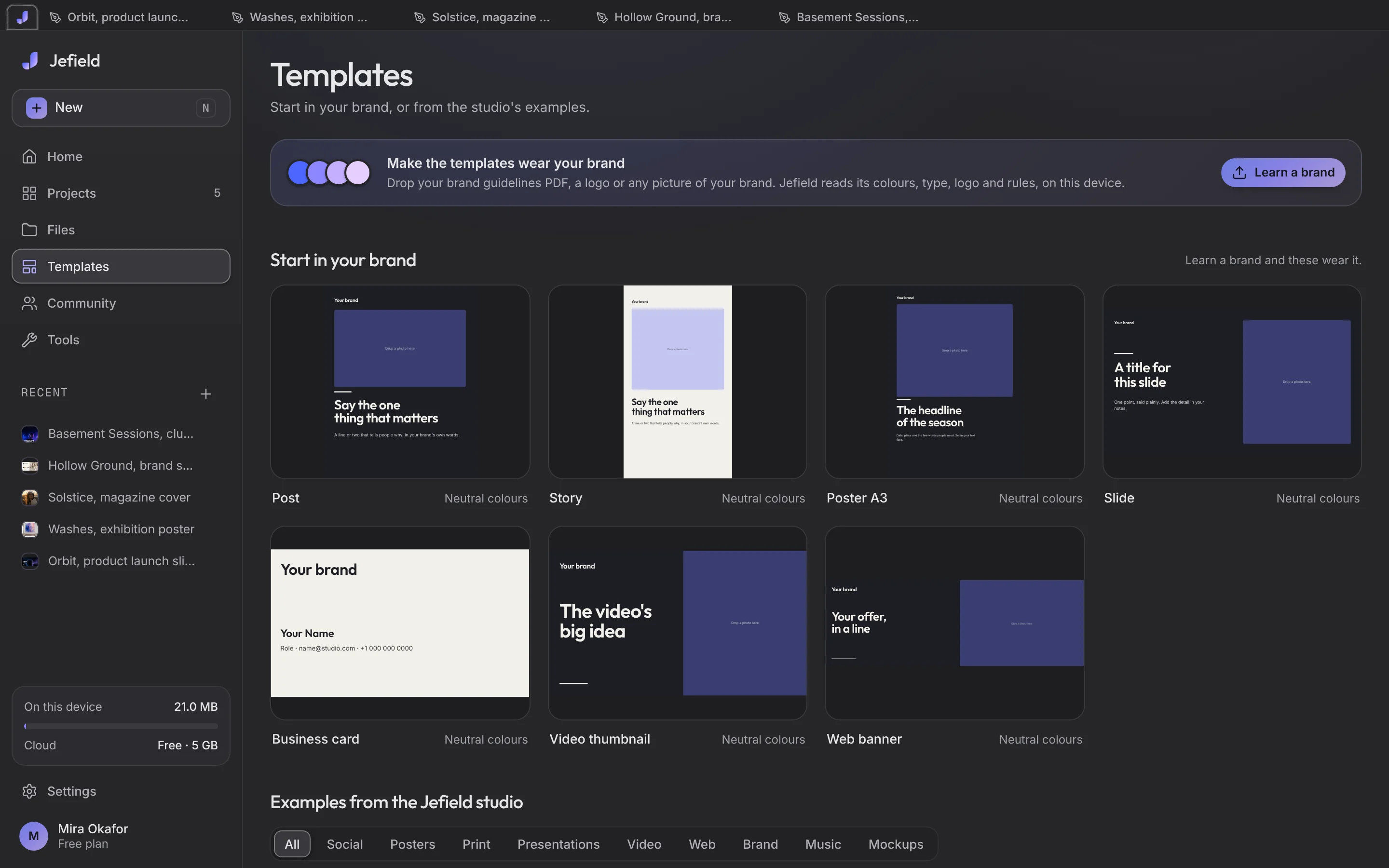
Start from the Atelier Nord cover or a poster, and export a PDF for applications.
Everything here is free, with no card.
Add it to your Home Screen.
The studio Wi-Fi can't stop you.
A creative workspace. Design on a canvas, edit photos, video, sound, documents and code, start from studio-made templates, and keep every version of everything. It works on your device first, and on all your devices when you sign in.
On your device, in your browser's own storage. Sign in with Google and a copy sealed with your library's key is kept in the cloud, so your other devices open the same library. Read the privacy page for every detail.
Yes, once you've opened it. Jefield and its editors open without a network, and your files are already on your device.
Yes. If you teach a class, tell us what would help.
Jefield is free for everyone, students included. Nothing is for sale today.
Creative workspace
Your words open Jefield and wait there for you to keep. Making things from a prompt with AI is coming next.