For studios and teams

One place for the whole studio.

Every editor the work needs, every file kept once, every version kept forever, and any project shared live by link.

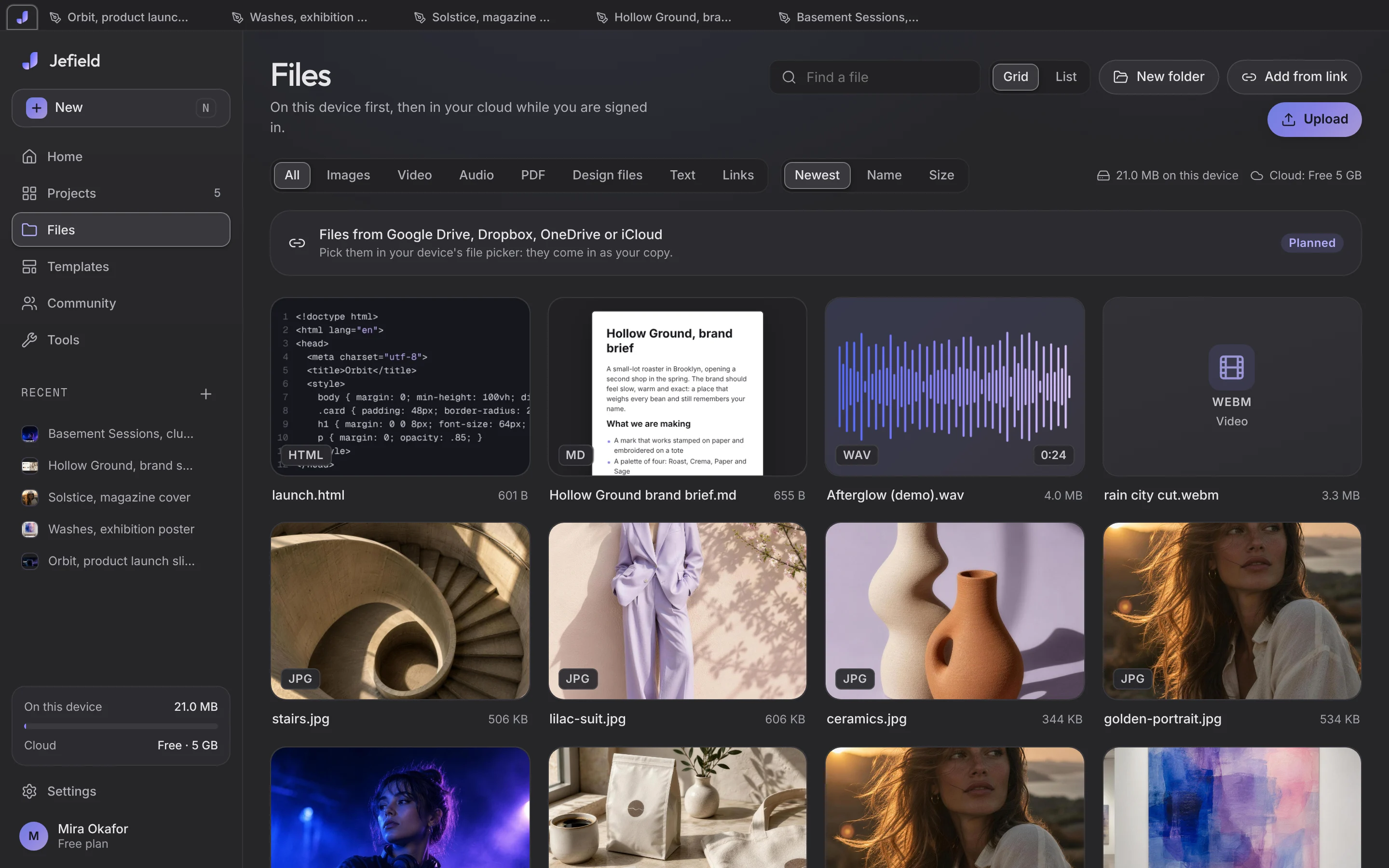
Files in Jefield: documents, sound, video and photographs, each kept once with its size.

How teams use Jefield today

Live

One app instead of six

Design, photo, video, sound, documents and code, in one window, saving to one library. Nobody hunts for which tool made which file.

  • Every save is a new version
  • Files kept once, by their content
  • Open on every device you sign in on
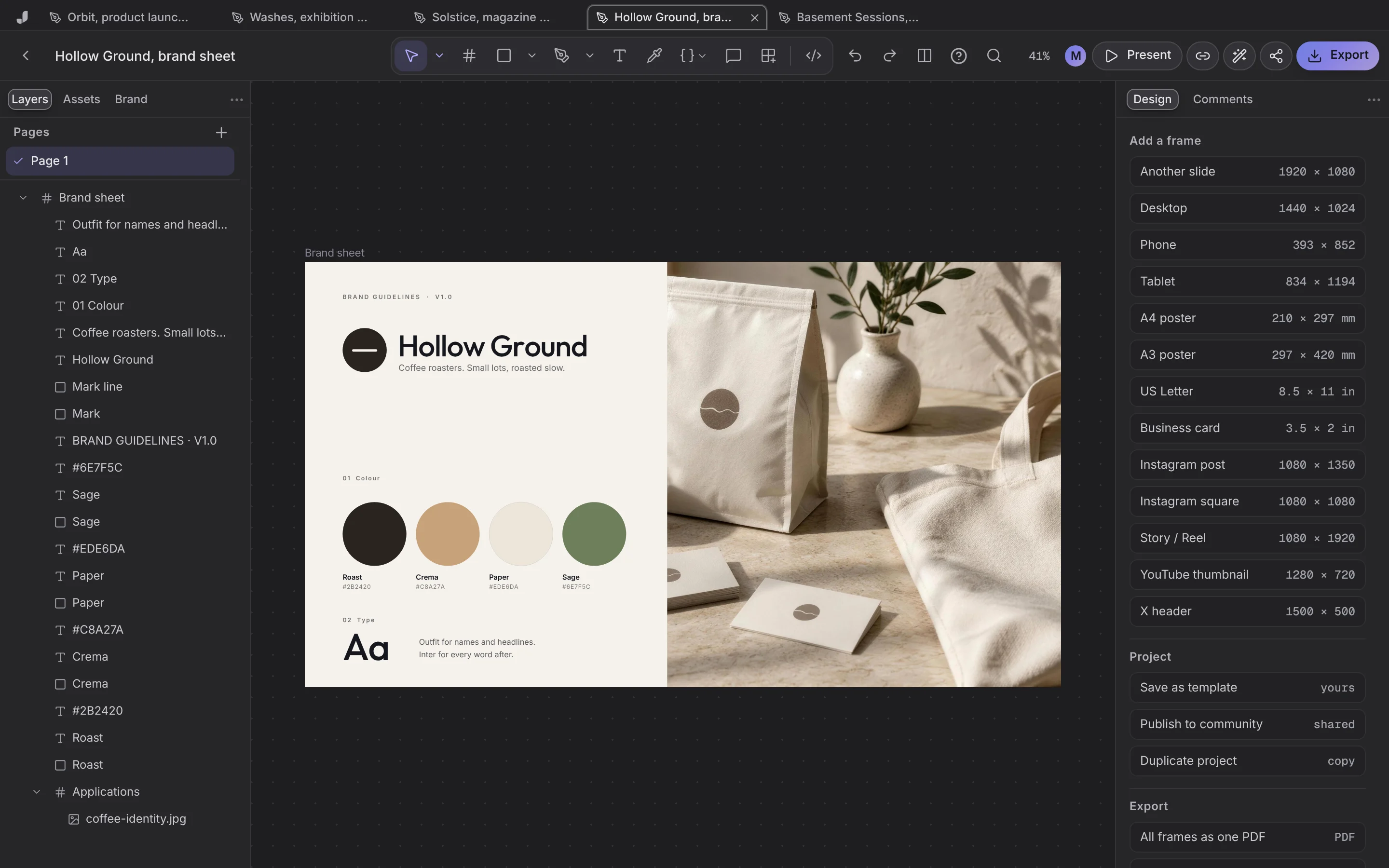
A brand sheet in the design editor.

Live

Studio-quality starts, in your brand

Fifty-three templates made in our studio, worn in your brand once Jefield has read your guidelines, and any project saved as a template of your own.

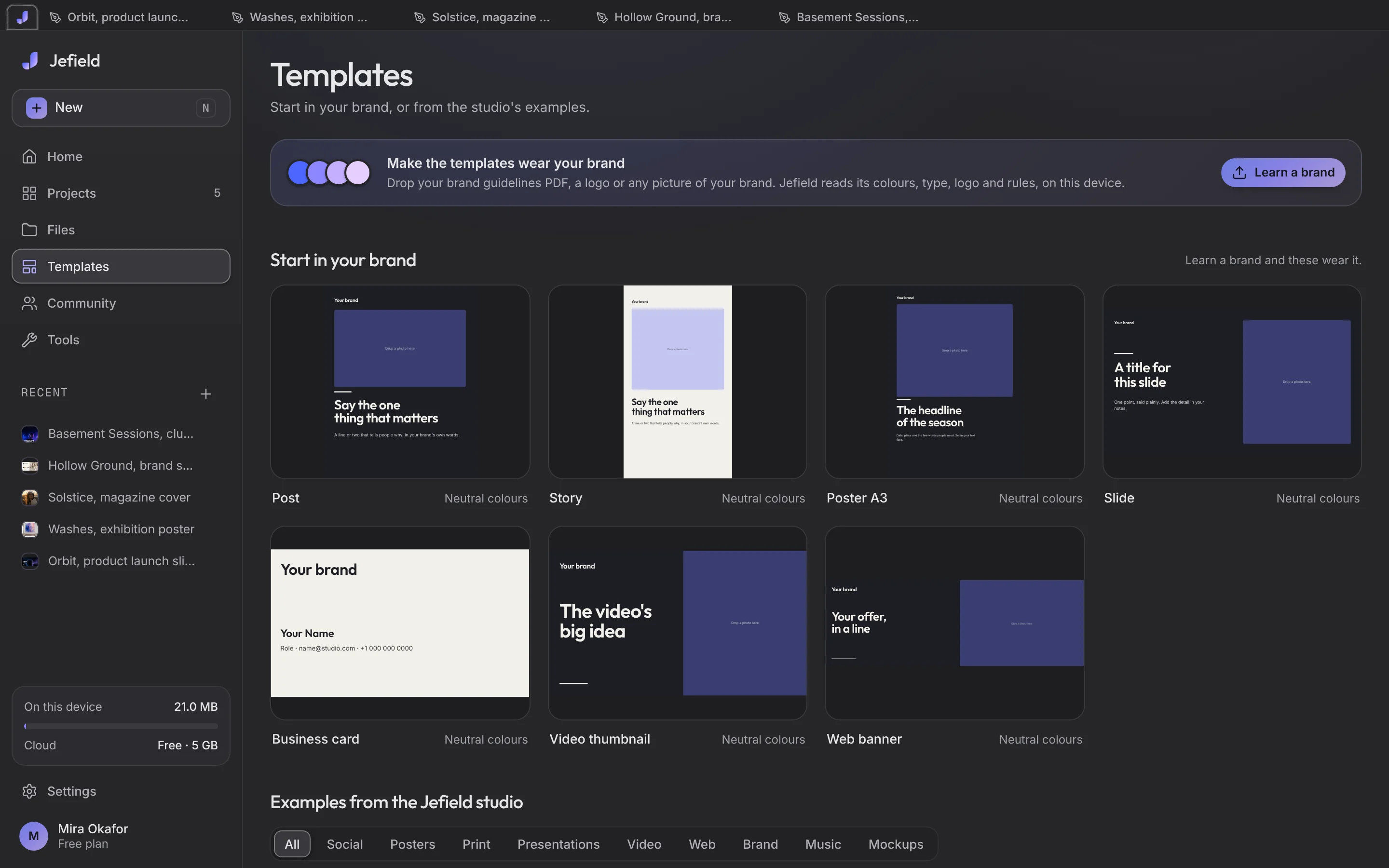
The templates room: posters, covers, slides and posts with real photographs.

Live

Everyone in one project, live

Share a project by link: cursors and names on every screen, changes in a fraction of a second, view-only links for clients. Roles per person and studio spaces are planned.

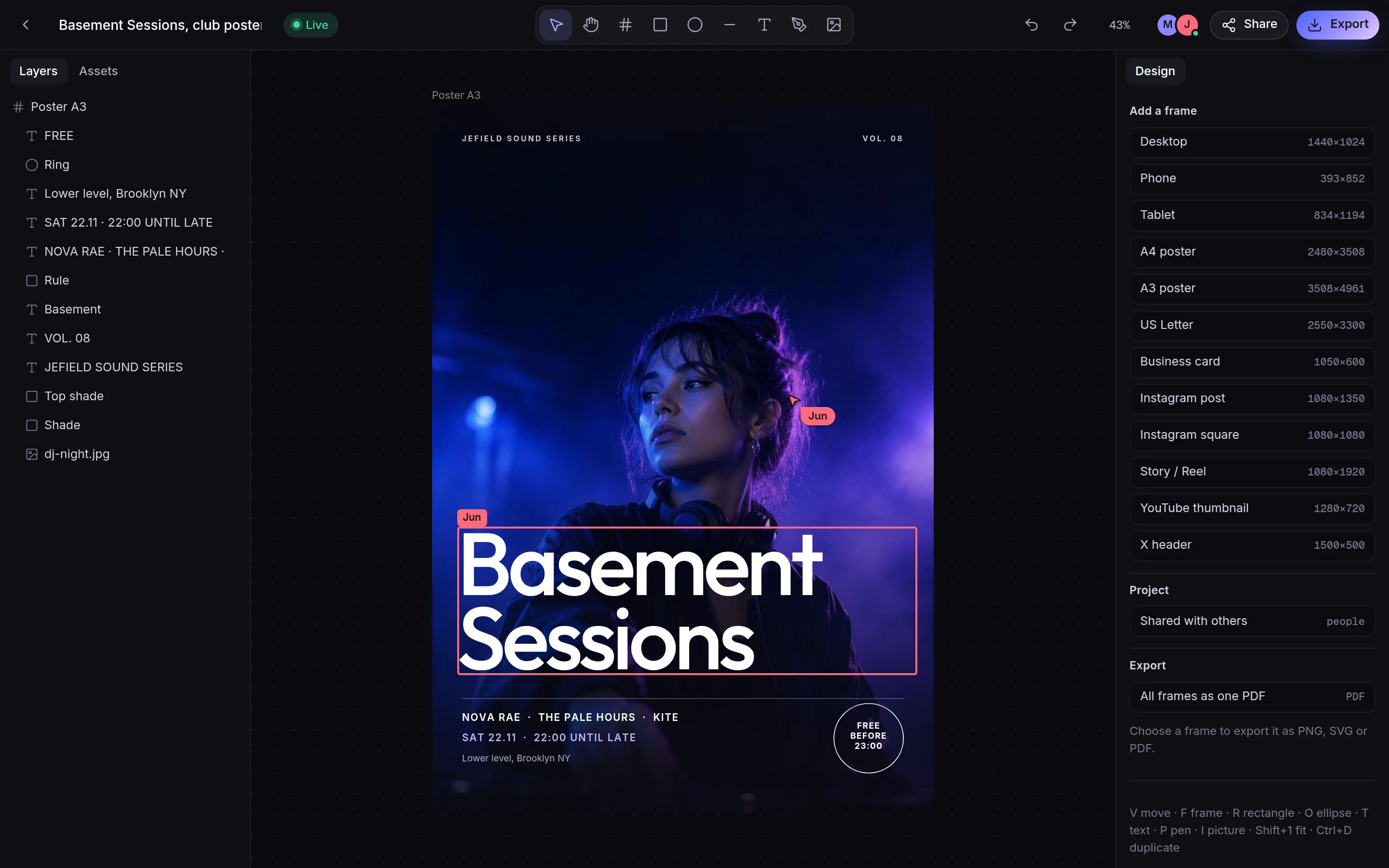
Two people on one poster, live.

Safe by default, not by add-on.

Local-first storage, sync sealed with your library's key, and sign-in that asks Google only for your id, email, name and picture.

Sealed sync

AES-GCM-256 on the device before anything leaves it.

No tracking

No analytics, no tracking cookies, no ads.

Never trained on

Your work is never sent to an AI.

Nothing overwritten

Every change is a new version.

Questions, answered

Can my whole team use Jefield today?

Yes. Each person has their own library, and any project can be shared live by link with the people who need it.

Can I take one person's access away?

Not one by one yet: an edit link is shared by everyone who has it. Stop sharing ends it for all of them: their copy stops changing and each can keep one of their own as it stood. Delete for everyone also takes it off their devices. Roles per person are planned. Tell us about your team on the contact page.

Where does our data live?

On each person's device. Synced copies are sealed with the library's key before they leave; with Google sign-in the key is kept sealed under the account so its own devices can open it.

Does it have AI?

The tools that need it run on your device today: cutting out a subject, removing something and filling the gap, blurring a background. Claude, Cursor and other apps that run MCP can work in your library from your own computer: connect one. Chatting with an AI inside Jefield, and agents that work beside you, are coming next.

Creative workspace

Ready to give your team one place?