Use case
From brief to brand sheet.
Write the brief, design the mark, the colours and the type, and lay out the sheet and the first applications, all in one place.
Your words open Jefield and wait there for you to keep. Making things from a prompt with AI is coming next.
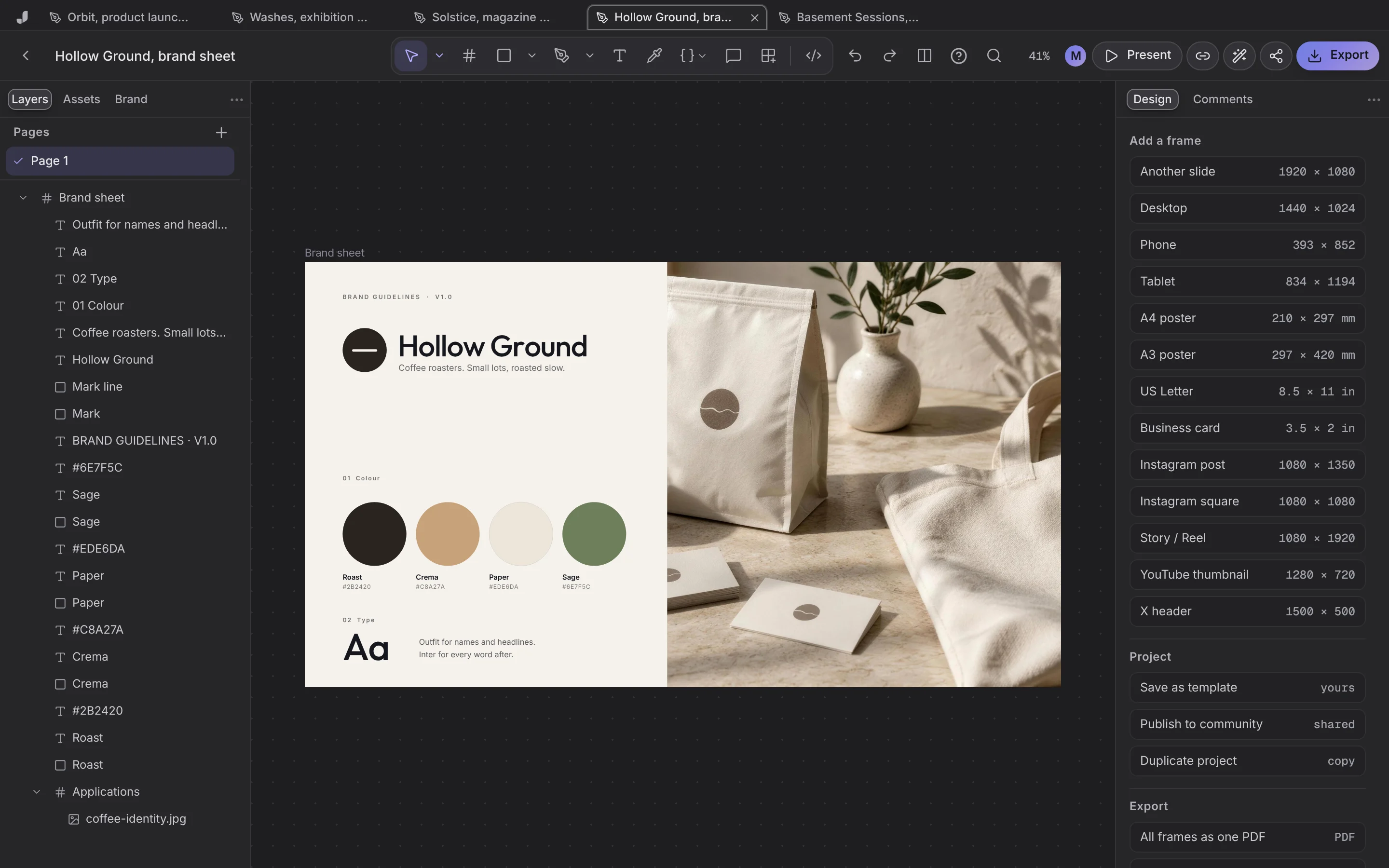
The whole brand, in order
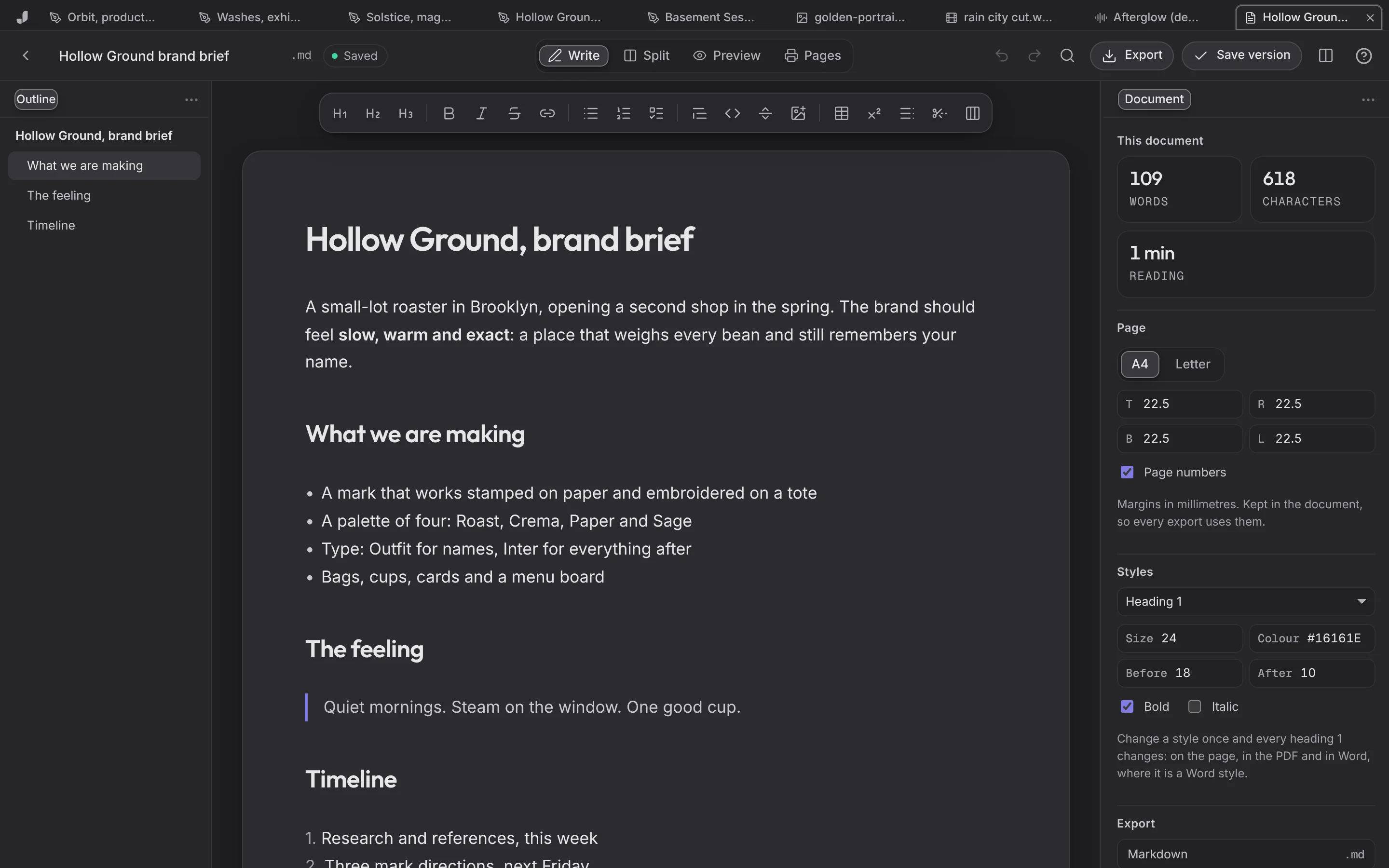
Write the brief
In the document editor, in Markdown or Word.
Make the identity
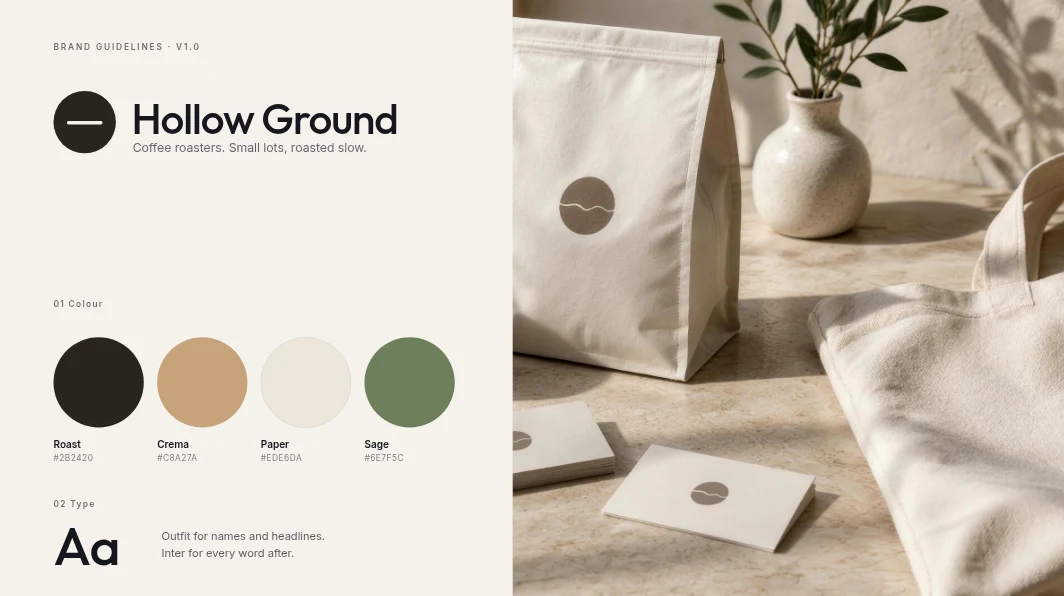
Mark, colour and type on the Hollow Ground sheet, every version kept.
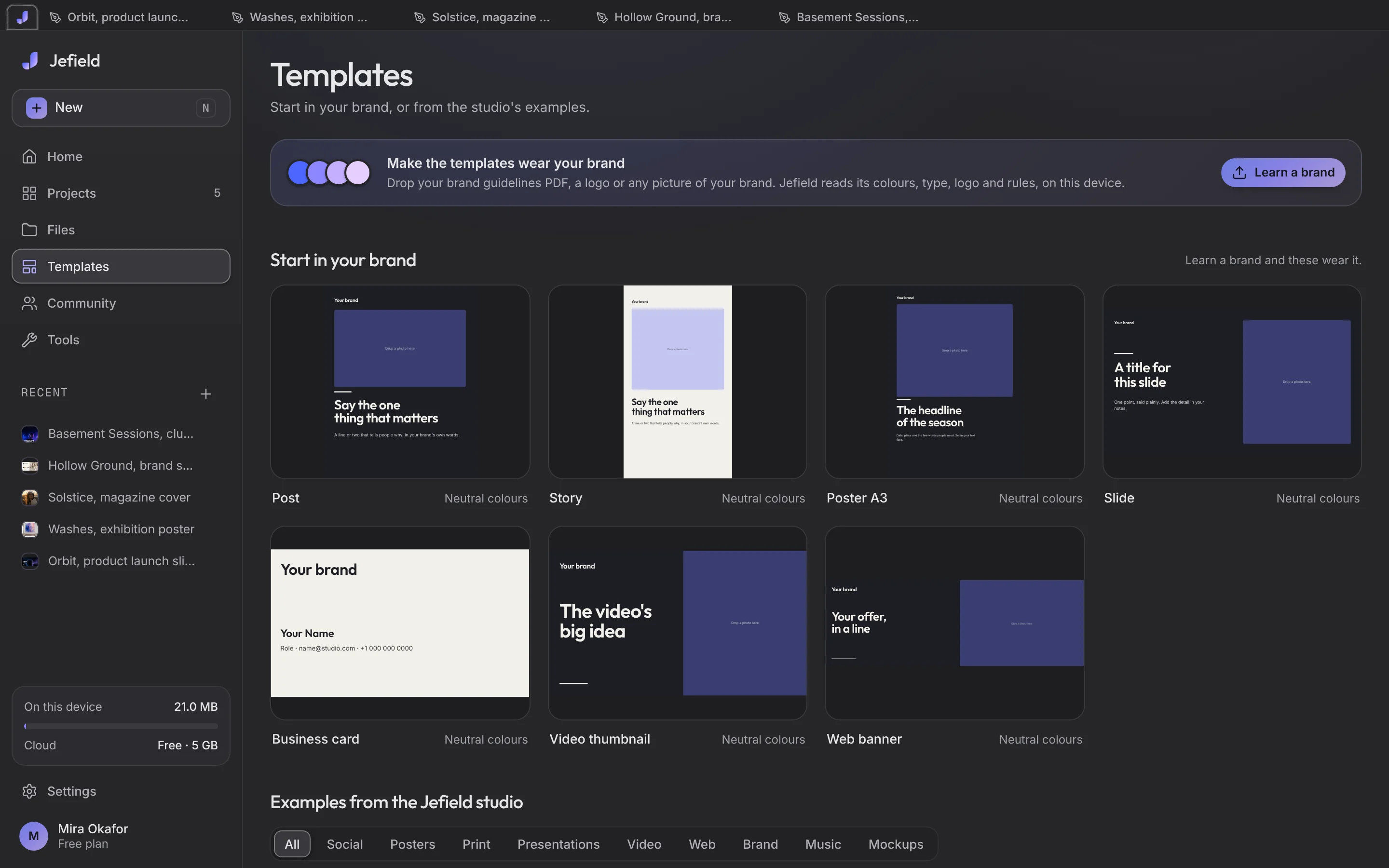
Apply it
Posts, a slide and a poster from the templates, in the new brand.
What makes it hold together
Rejected directions kept
So the client's 'the first one' is one press away.
PDF out
Every frame of the project as one PDF.
Your template
Save the finished sheet as a template for the next client.
Photography
Grade the product shots in the photo editor.
Start from a template
Studio-made, in the app. Use one and it's your own project.
Questions, answered
Does Jefield make the logo for me?
Not by itself yet. You design it on the canvas; making things from words with AI is coming next.
What happens when I save?
You get the next version. The one before stays exactly as it was, and every file's Versions list lets you download any of them or go back to one, which makes a new version too.
Is it free?
Yes. Everything Jefield does today is free, with no card and no time limit. When a paid plan opens, the pricing page will say so before it costs anybody anything.
Creative workspace
Start the brand.
Your words open Jefield and wait there for you to keep. Making things from a prompt with AI is coming next.