Guide · 3 minutes
Record and clean up a voice
Record straight into Jefield, hear the clean-up before you keep it, and trim the gaps.
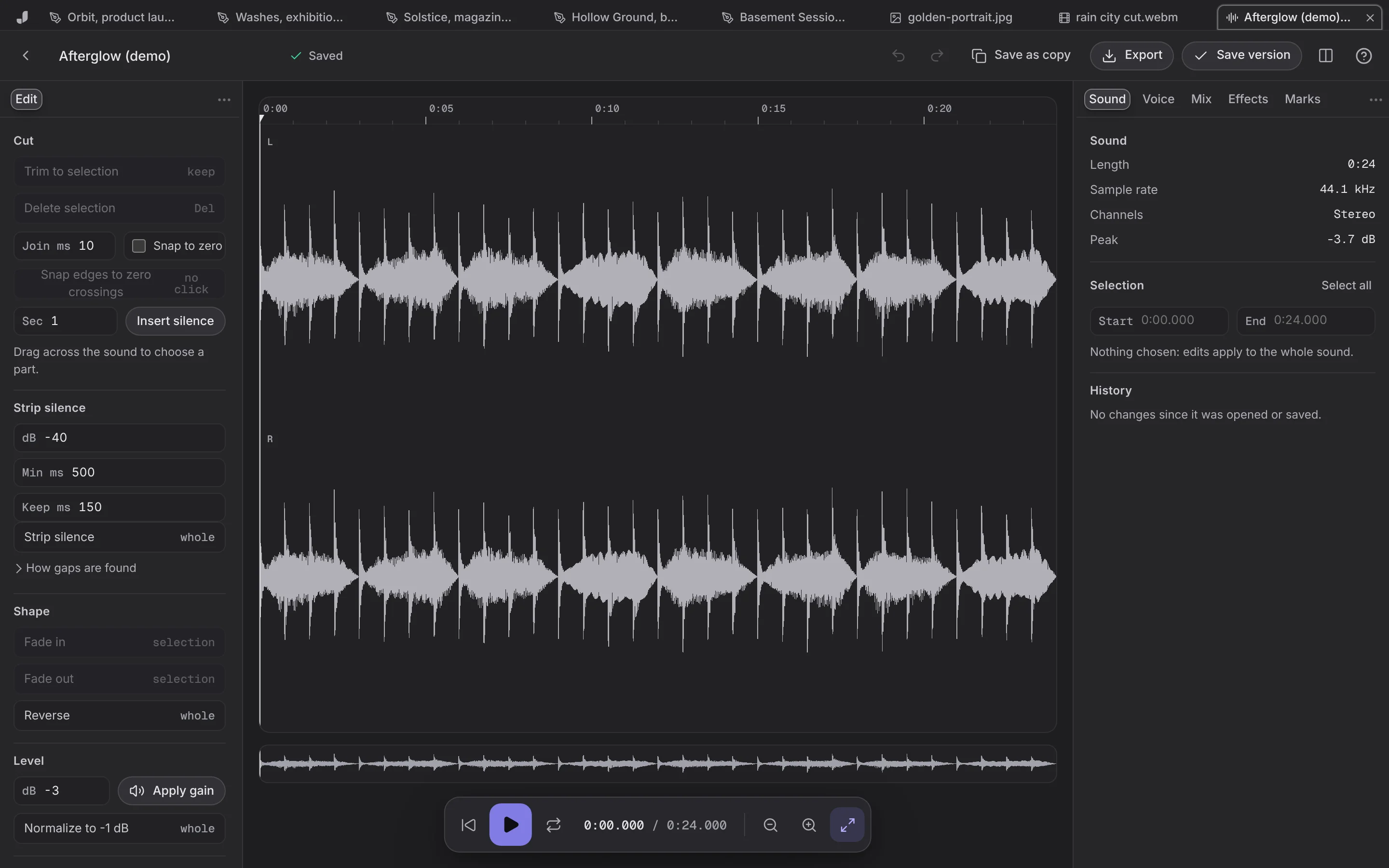
- Choose Audio on Home, then Record voice. Allow the microphone when your browser asks.
- Stop when you're done. The recording is kept as a new file.
- Clean up a voice, in the Voice panel: low rumble, room noise and long gaps come down, and the level comes up. Listen to it before you apply it.
- Trim: drag across what you don't need and press Delete, or select what you want and Trim to selection.
- Save, or Export as WAV, or as a smaller file where your browser can make one.