Guide · 4 minutes
Cut a video
Split, delete, reorder, put words over it, make it 9:16, and export.
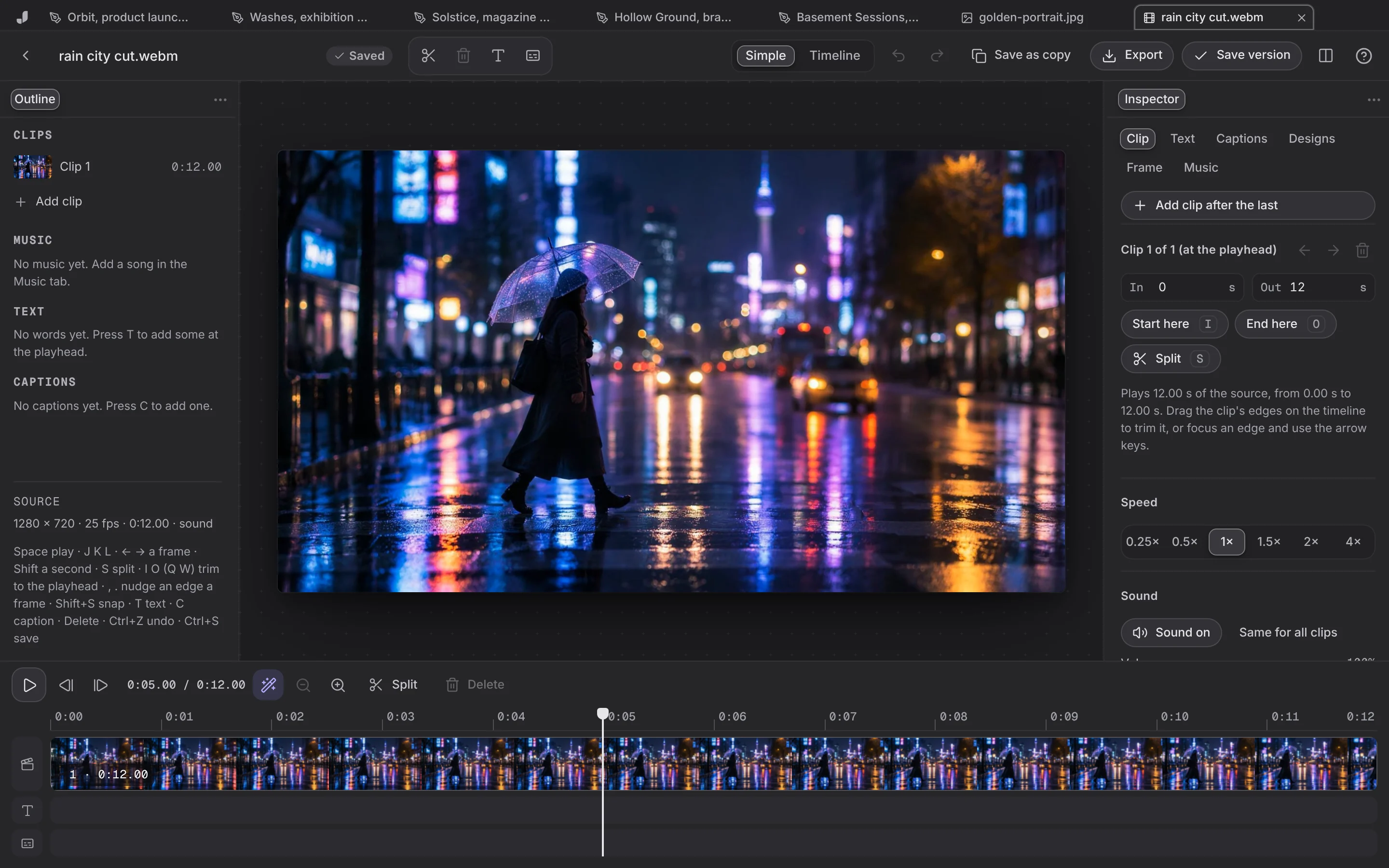
- Open a video from Files, or choose Video on Home.
- Move through it: Space plays, the arrow keys step a frame, Shift and an arrow a second.
- Split at the playhead (S), select a clip and Delete it, drag clips to reorder them, drag their edges to trim.
- Per clip: speed from 0.25x to 4x, volume, or no sound.
- Words and captions: T adds words at the playhead, C a caption; both are burned into the picture.
- Frame: 16:9, 9:16, 1:1 or 4:5, with the crop where you want it.
- Save as the next version, or Export. Where the browser can write MP4 it does; otherwise WebM, and Jefield says so.