Guide · 2 minutes
Your brand, learned
Drop your brand guidelines PDF and every template wears your colours and type.
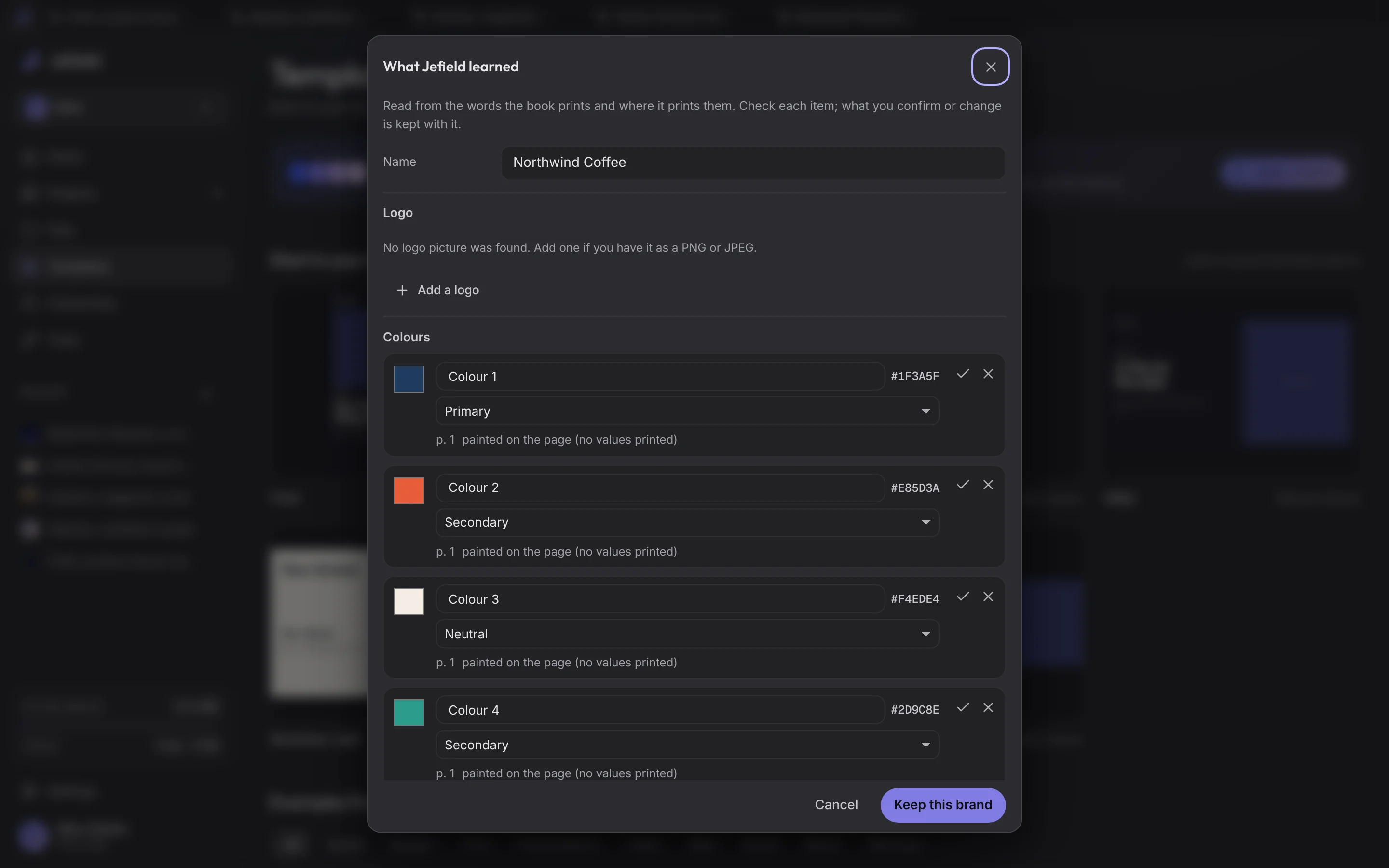
- Open Templates and choose Learn a brand.
- Pick your guidelines PDF (or an Illustrator file, a logo, or any picture of your brand). Jefield reads the colours the file paints, with the role each plays, the fonts its words are set in, the type styles of its headings and body text, and its grid. It all happens on your device.
- Check it. Change a colour, remove one, add one, rename the brand, type a face's name.
- Keep this brand. It's saved as a file in Files, so it's on every device you sign in on.
- Look at the templates. Each one now wears your colours: darks to your darks, lights to your lights, accents to your accents. Photographs stay as they are.
- Use one. The project starts in your brand, its type styles in the Style menu and Body as the default text. Switch back to Jefield's own any time from the brand bar.
A face Jefield doesn't carry: upload its font file (TTF, OTF, WOFF or WOFF2), or use the fonts on your computer, and it's used in your projects, on every device you sign in on, and in the PDFs you export.